The Ideogram 4.0 prompt guide
Two prompting modes, style extraction from any reference, and a Claude skill that packages it all. How to get what you want from Ideogram 4.0 using Claude.

TL;DR
- Install in one command. The Ideogram MCP gives Claude
generate_image,describe_image,remix_image, and collection management. - Two prompting modes. Verbose lets Ideogram interpret your intent via magic prompt. Structured JSON bypasses that layer: what you write is what renders.
- Extract any style.
describe_imagereturns a structured recipe from any reference image. Claude reads it and applies it to new subjects. - Package it as a skill. Save any recipe as a
/ideogram-promptClaude Code skill for repeatable output across sessions.
/ideogram-prompt
All the techniques in this post, packaged as a Claude Code skill. Install once and invoke it from any session.
Overview
Ideogram 4.0 was trained on structured JSON captions. When you send a plain-text prompt, it passes through a magic prompt layer that converts it to that format. When you send JSON directly, the model uses it as written. Knowing when each approach fits is the core of prompting Ideogram.
The Ideogram MCP gives Claude direct access to generate_image,
describe_image, remix_image, and collection management. Given a
brief, Claude decides which tool to use, how to structure the prompt, and how to evaluate
and refine the output.
In practice it works as a closed loop: describe what you want, generate, evaluate, adjust the prompt, try again. Claude holds context between every step. This post covers how to run that loop: verbose vs structured JSON prompting, style extraction from reference images, and saving reusable recipes. All images below were generated in Claude Code with the Ideogram MCP. To follow along, set up the MCP server. It takes about a minute.
Verbose prompt vs. structured JSON
Ideogram 4.0 was trained on structured JSON captions, not plain text. When you send a plain-text prompt, it passes through a magic prompt layer that converts it to that JSON structure for you. When you send JSON directly, Ideogram uses it as written. Nothing gets reinterpreted. This gives you exact control over palette, composition, text content, and element placement.
The same brief, two forms:
Verbose (magic prompt ON)
A rich natural-language description of the scene. Ideogram reads it, runs it through the magic prompt layer, and makes its own creative decisions about color, lighting, composition, and medium. You get the model's interpretation of your intent. Often surprising. Sometimes not what you pictured.
Structured JSON (magic prompt OFF)
The same information structured into high_level_description,
style_description, and compositional_deconstruction
fields with explicit palette, medium, composition, lighting, and per-element descriptions.
Ideogram uses it as written. What you specify is what renders.
Official v4 prompt schema
The full JSON caption format is documented in the open-source ideogram4 prompting guide: field ordering, bounding box coordinates, color palette conditioning, and worked examples. Key ordering matters: the model was trained on a specific field sequence.
Photo captions: aesthetics → lighting → photo → medium
Non-photo: aesthetics → lighting → medium → art_style
One of v4's most distinctive features is color_palette:
include up to 16 uppercase #RRGGBB hex values in style_description to steer the image's dominant colors directly. Up to 5 per element for per-subject color
control.
The wolf comparison below shows the same subject written both ways. The verbose version went in as four words with magic prompt on. The JSON version names the exact palette, the candid framing, the specific lighting quality, and every visible element. Click either image to see the full prompt.
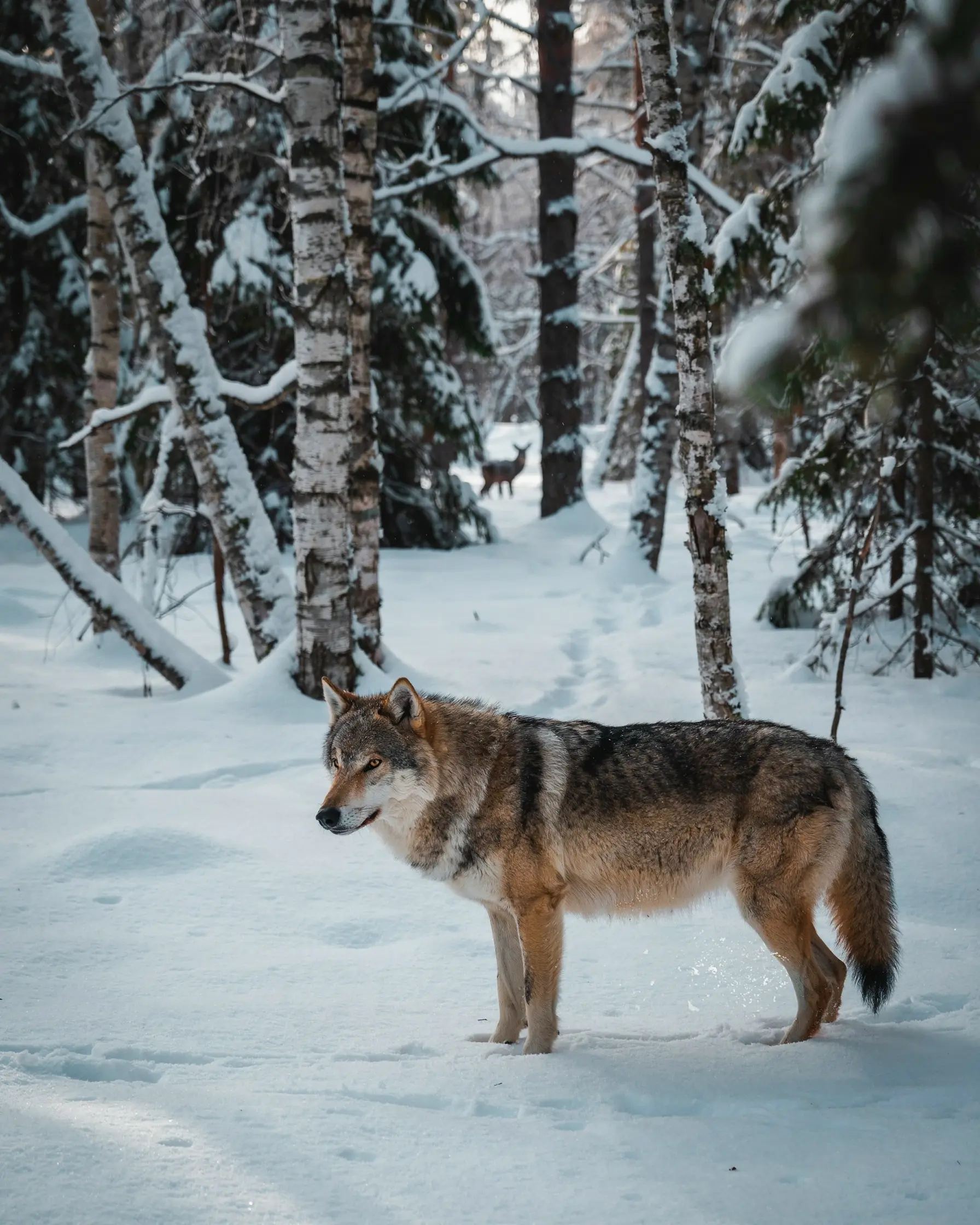
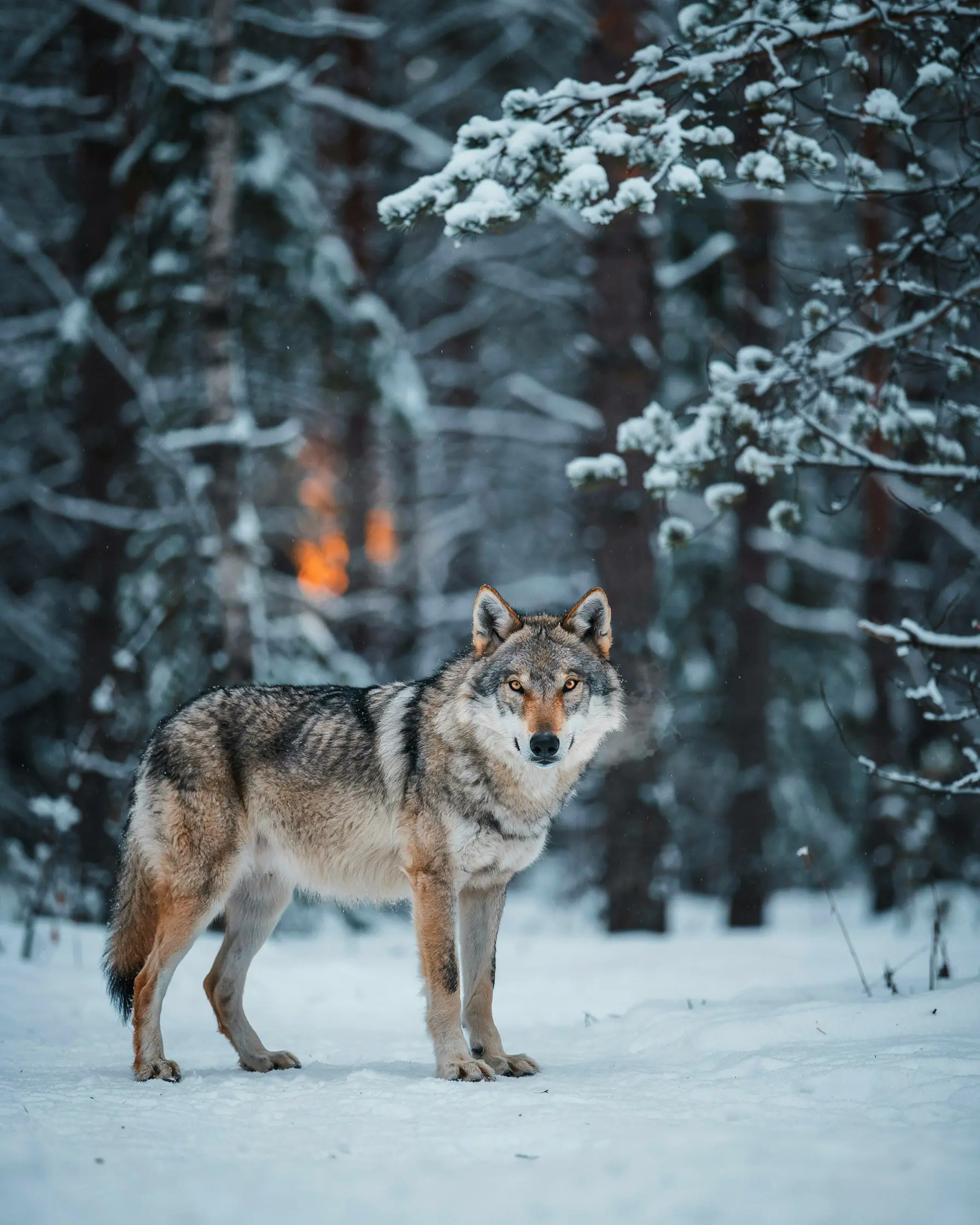
Magic prompt on suits exploration: quick ideas, loose briefs, cases where you want the model to interpret your intent. Magic prompt off is for when you know exactly what you want: a precise palette, a specific composition, text that needs to render legibly.
Claude Code skill
/ideogram-prompt
The prompting techniques in this post are packaged as a Claude Code skill. Install once
and invoke /ideogram-prompt from any session. It handles mode selection, the
two-stage generation pipeline, and style recipe extraction from reference images.
Using the Claude desktop app?
Download the skill file
and save it to ~/.claude/skills/ideogram-prompt/skill.md.
Styles
The styles in the carousel below came from the same workflow: describe a reference image, pull out the visual logic, write a prompt recipe, apply it to a new subject. Claude handles all of that in a single session. You can also ask it to save the extracted recipe as a JSON block to reuse in future conversations. Paste it back in and Claude applies the same look to anything.
Each card shows a sample output. These are starting points: swap the subject, adjust the palette, vary the composition.
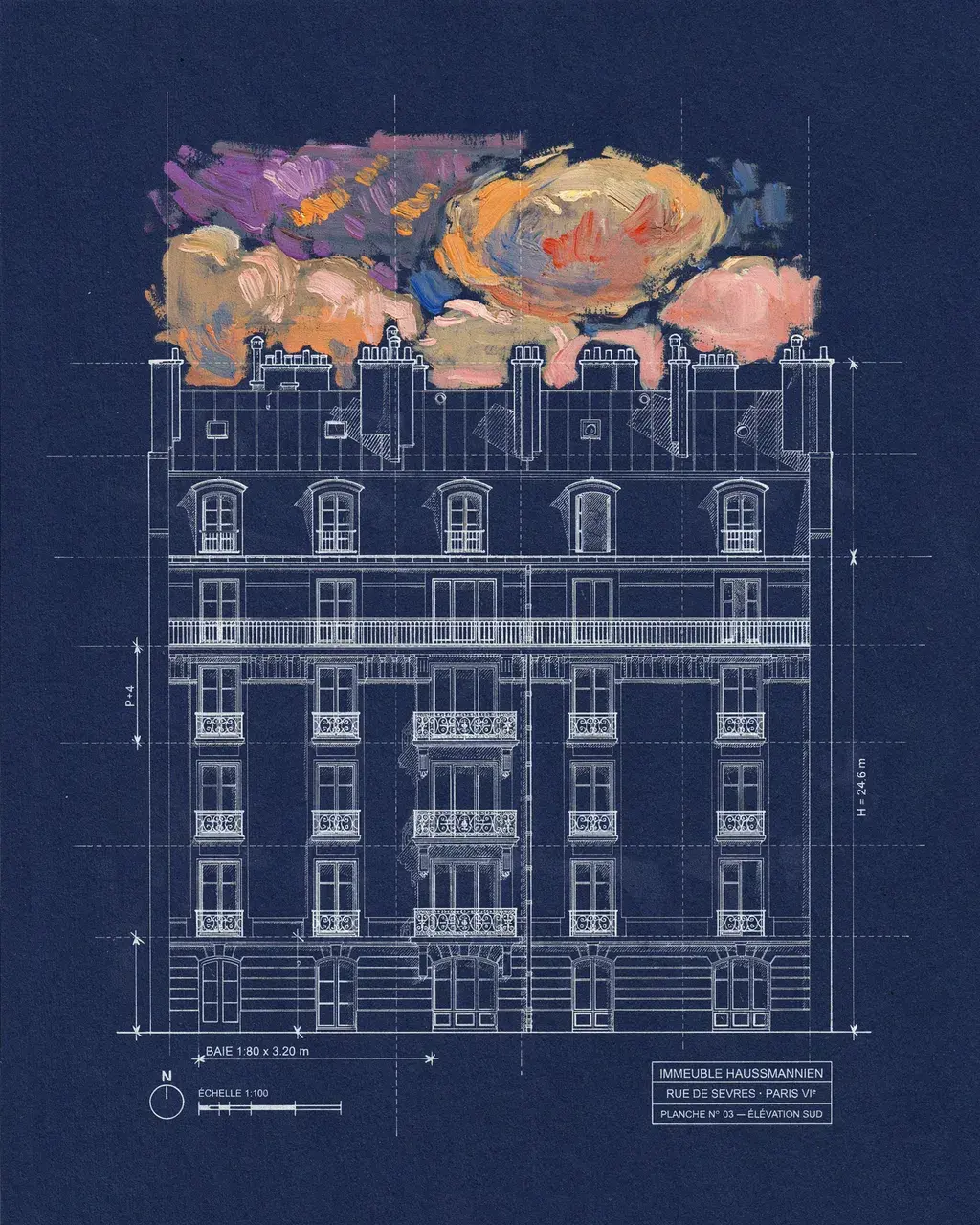
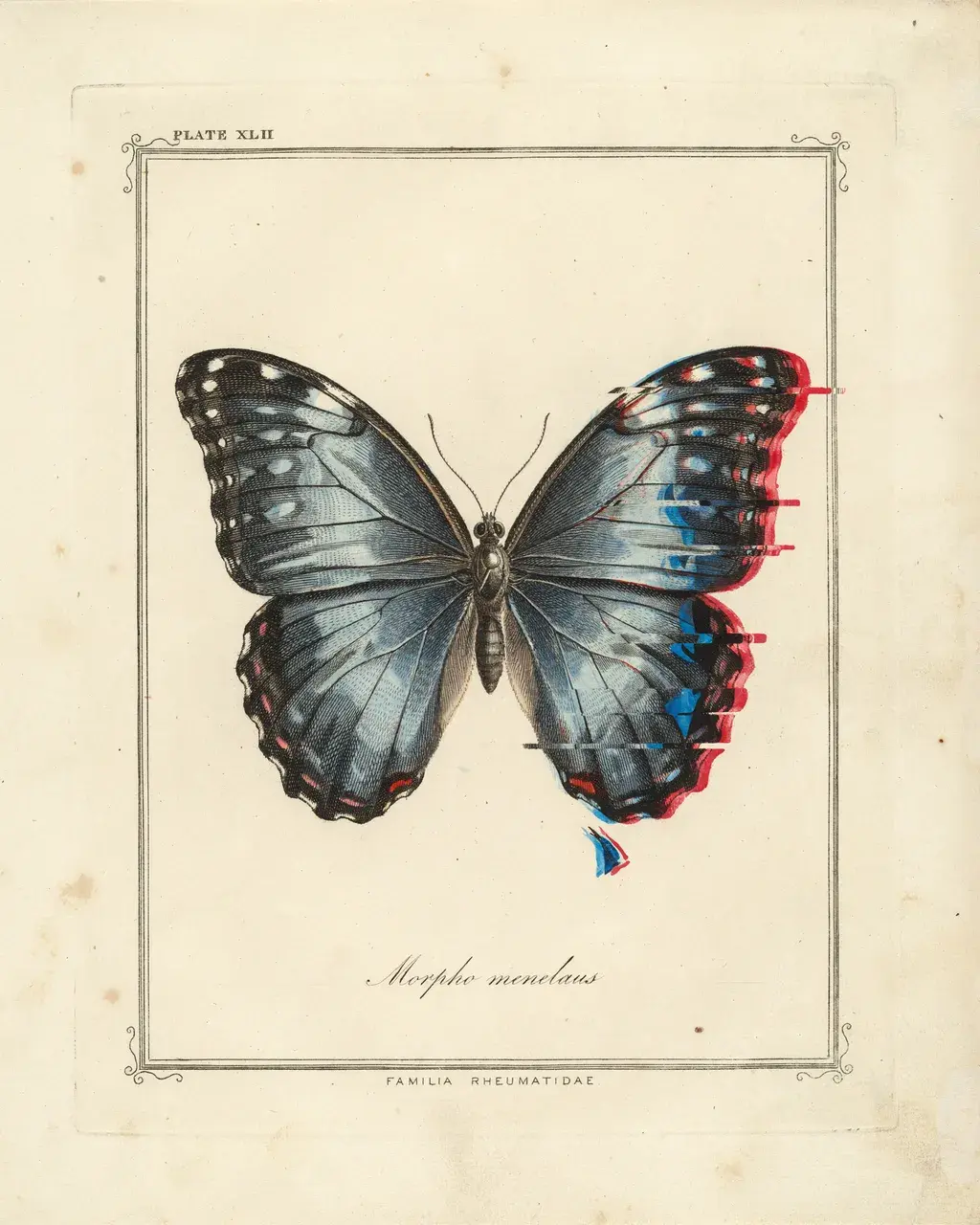
Precise engineering blueprint linework on deep indigo vellum, but the sky above the architecture bleeds in as loose Monet-style impressionist oil paint. Two irreconcilable visual traditions sharing a frame — the roofline is the border.
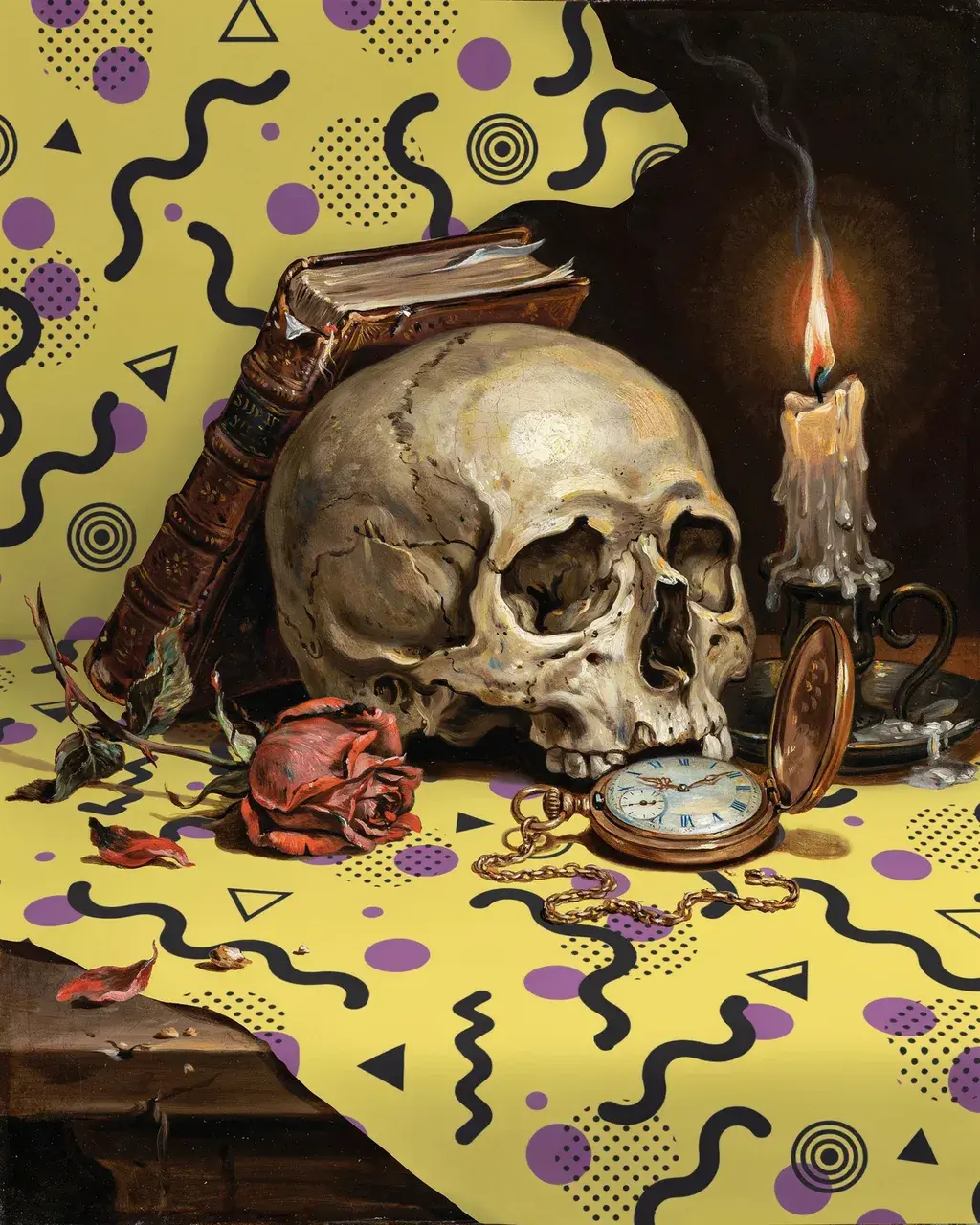
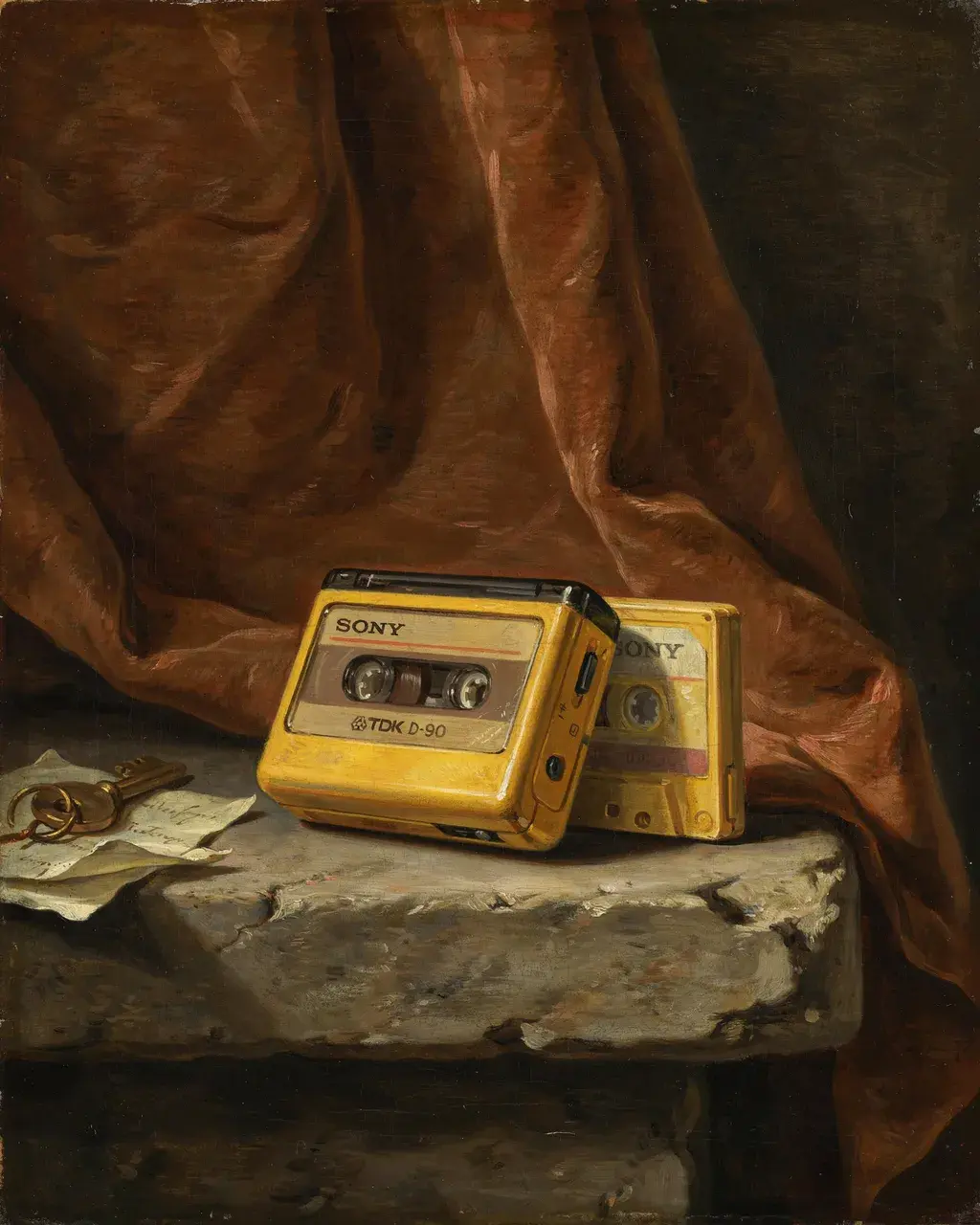
17th-century Dutch vanitas objects — skull, candle, wilting rose — painted in full oil glaze technique, resting on a vivid Memphis design surface. The moralizing weight of the vanitas meets the deliberate cheerfulness of Memphis.
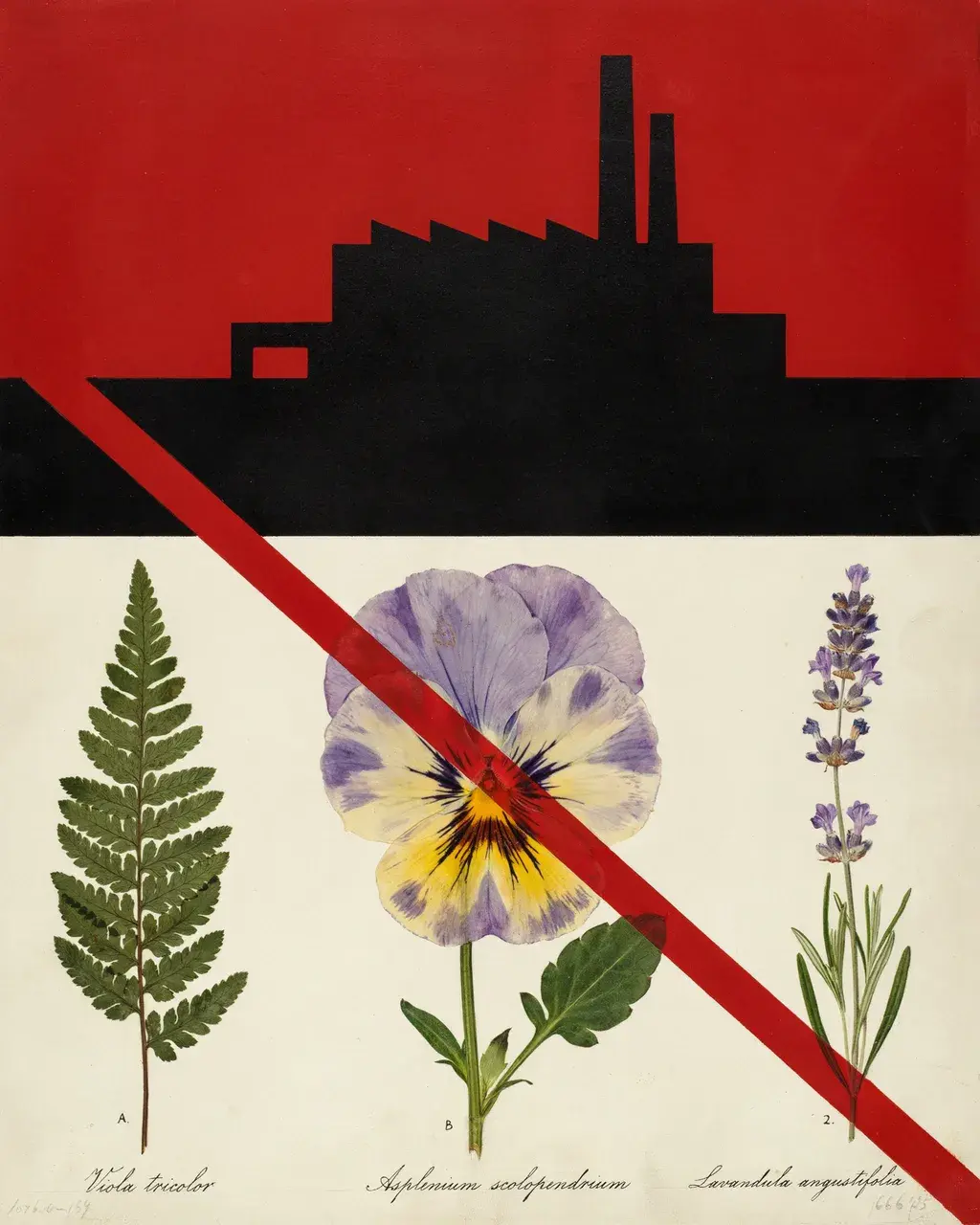
Soviet constructivist factory poster geometry — red, black, aged cream — with delicate botanical watercolor herbarium specimens mounted into the composition. Scientific illustration embedded in revolutionary graphic design.
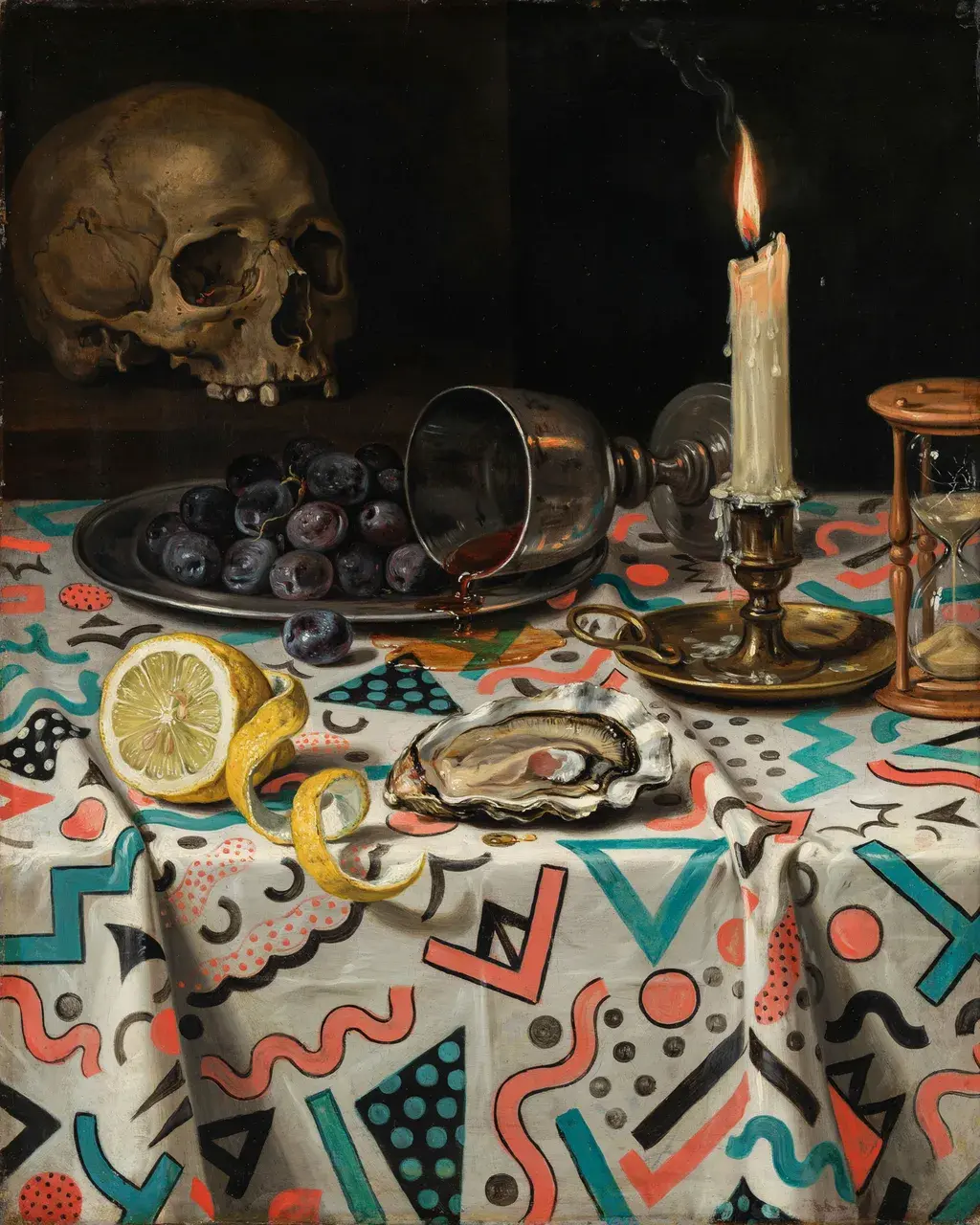
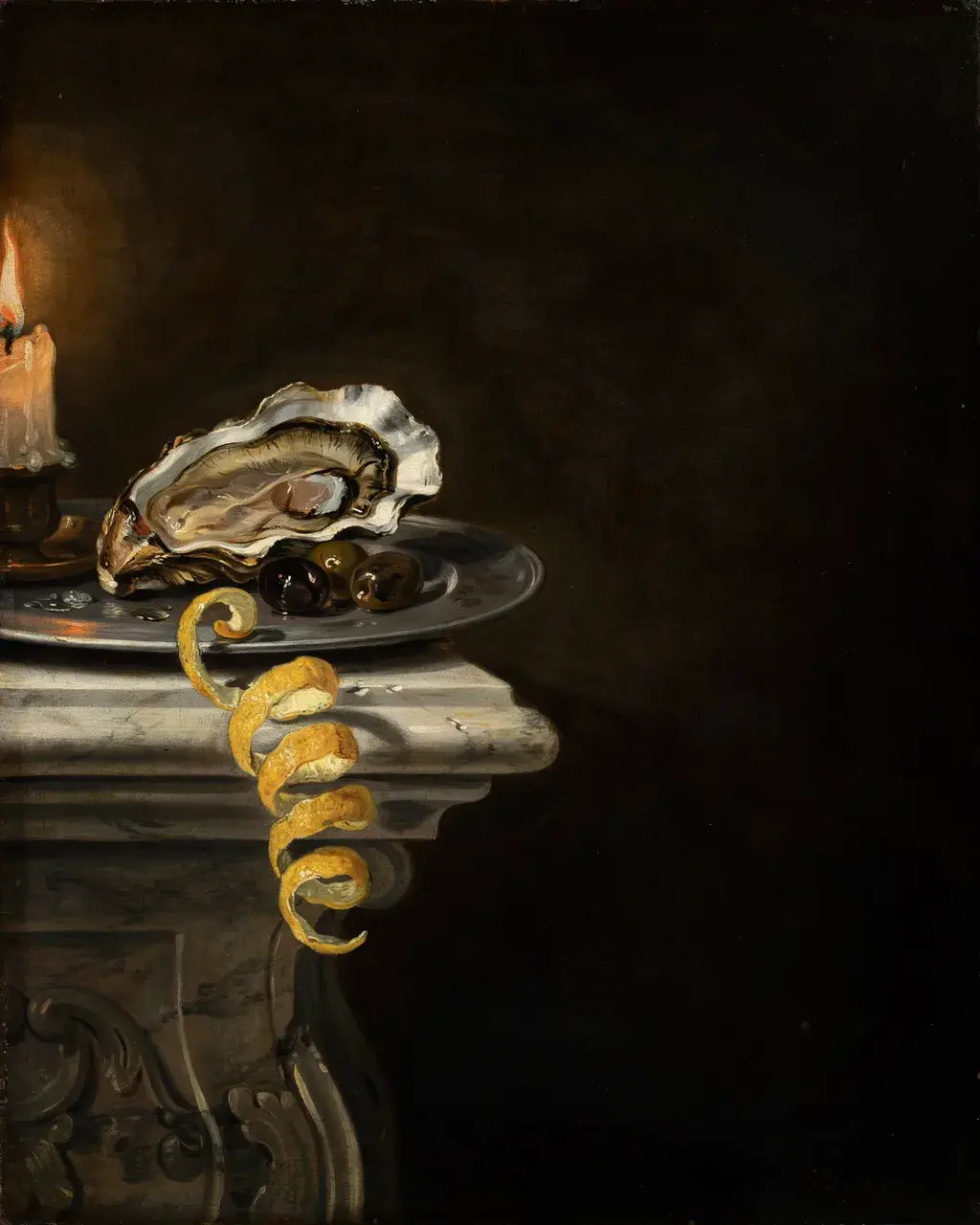
Flemish Golden Age chiaroscuro still life painted in rich oil glaze, arranged on a Memphis design tablecloth in vivid coral, turquoise, and black squiggles. Both the objects and the textile are painted with equal 17th-century care.

A photographic face and hands, but the torso becomes a USGS topographic survey map — contour lines following the anatomy, elevation numbers across the chest, summit triangles at the shoulders. Sharp boundary at the collar line.
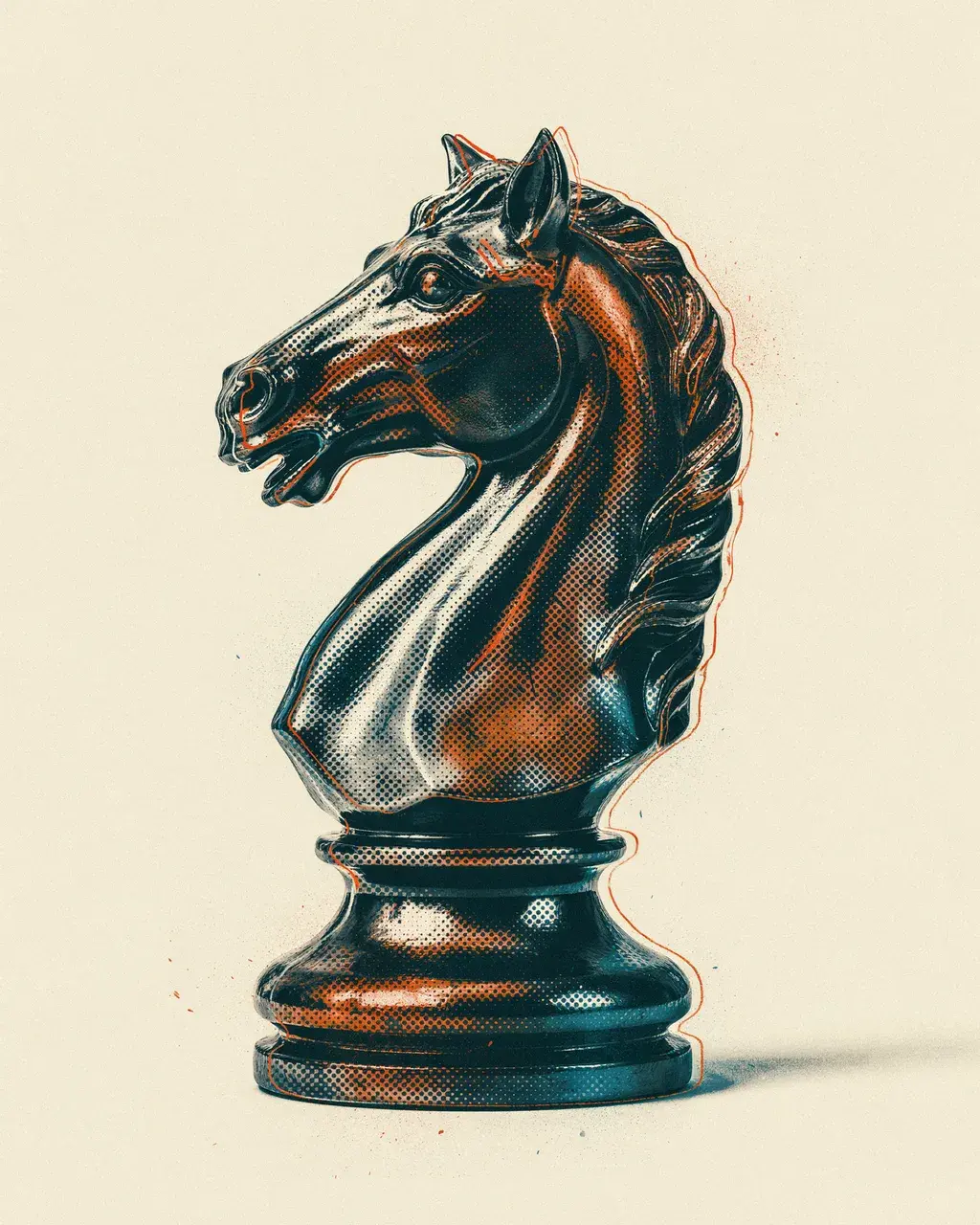
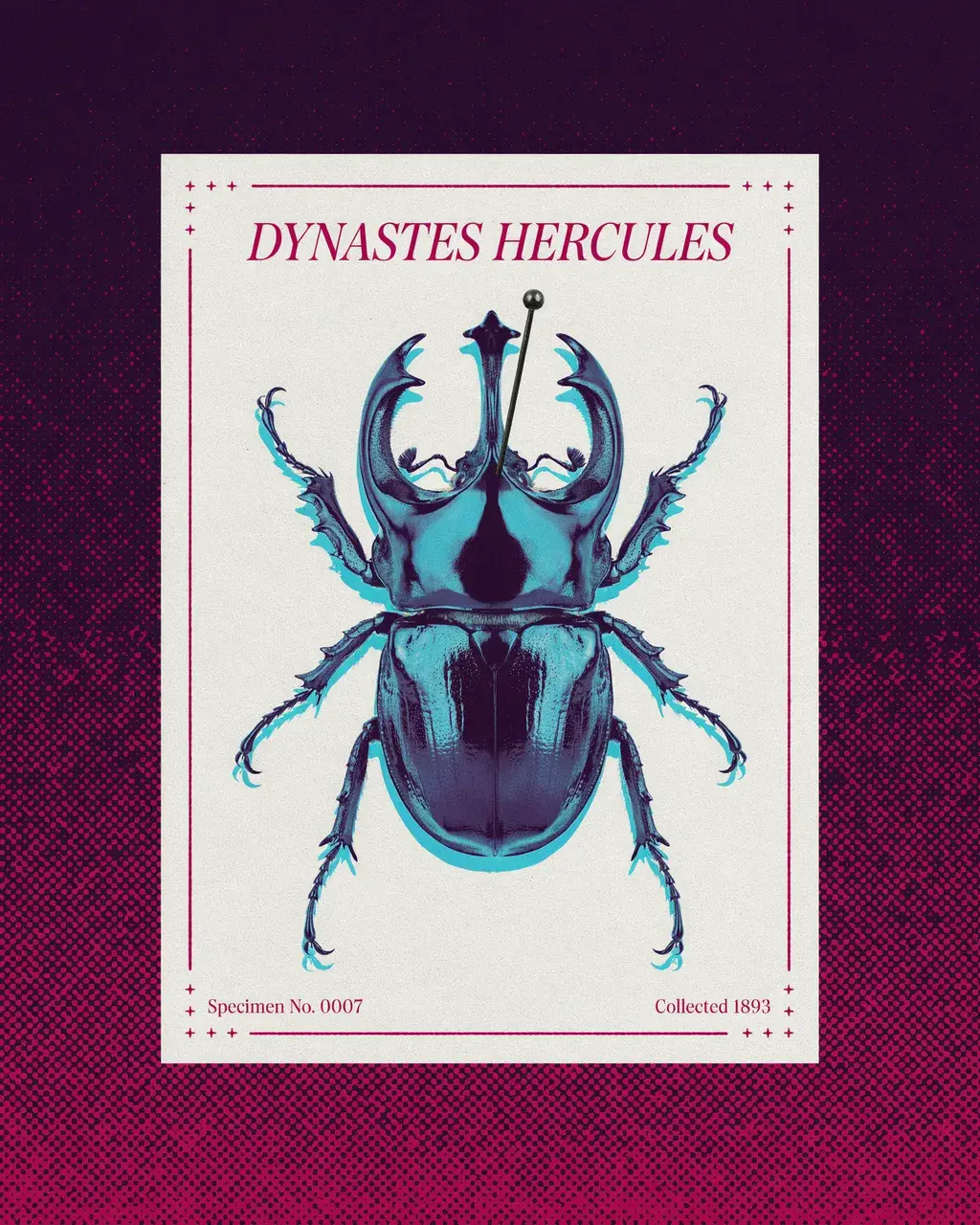
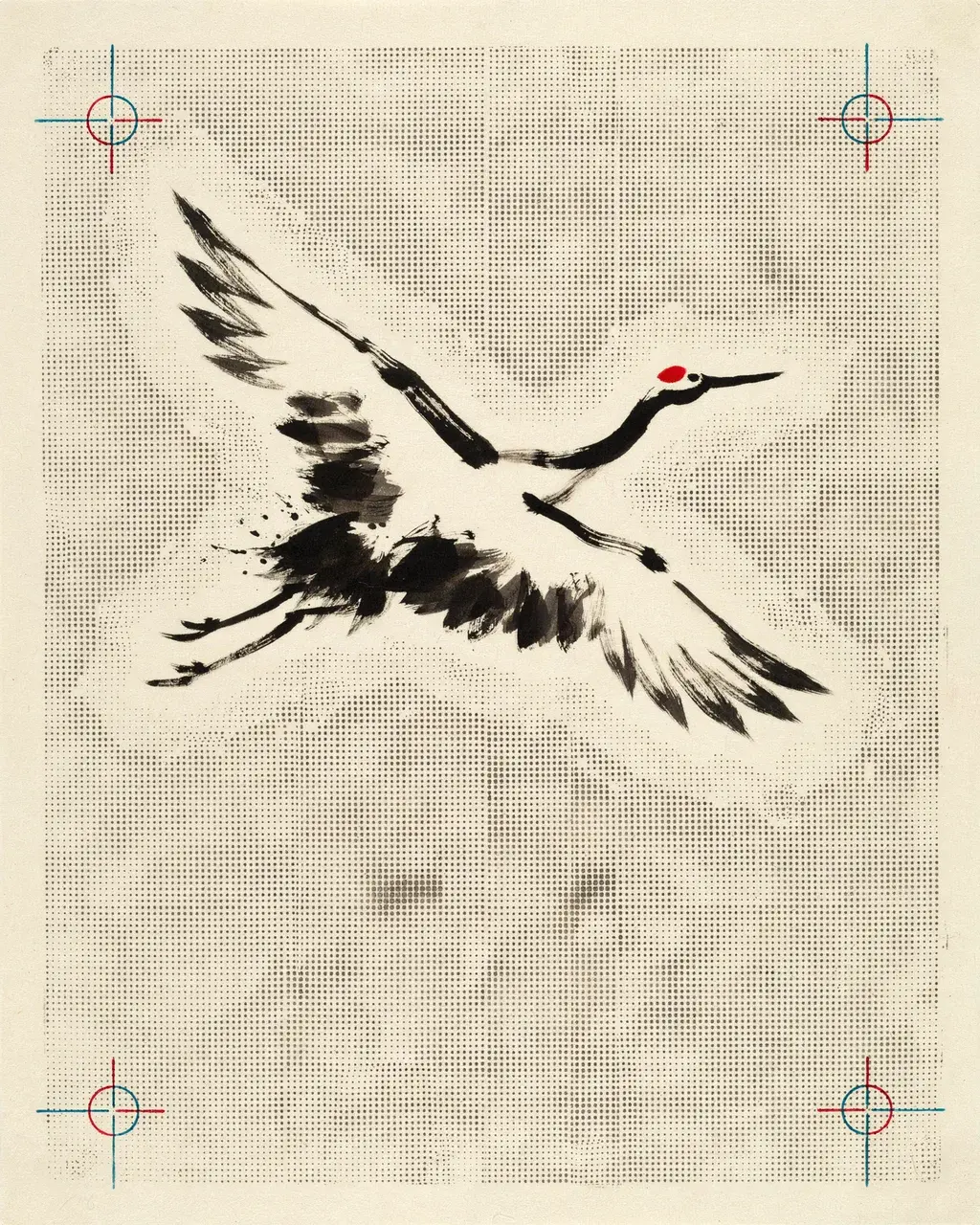
A photorealistic 3D object whose entire surface is encoded in two-color Benday halftone dots. The dot density alone carries the volumetric depth — no lighting rig, no gradients. Slight misregistration at the edges.
Describe, extract, apply
Claude can call describe_image on any image and get back structured JSON: medium,
palette, lighting, composition, grain type, mark-making. Reading that output, Claude synthesizes
a style recipe and applies it to a new subject.
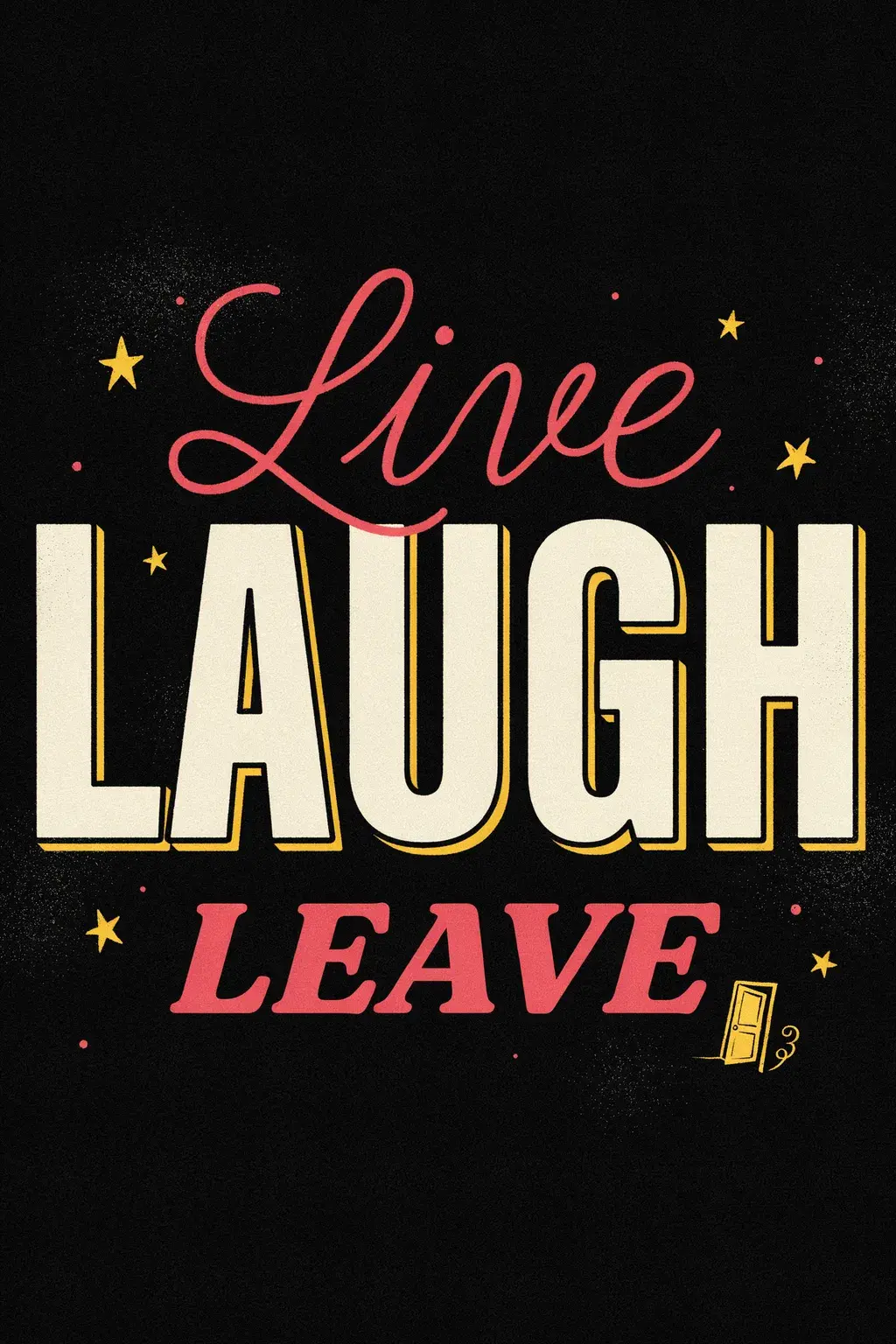
The three images below were used as references in a single session. Claude described each one, then extracted the shared visual logic: a vintage 1950s-era graphic sensibility across all three: flat illustration, bold display type, limited spot-color palette, and a surreal or playful undercurrent (faces in flowers, humor in the text).
Reference images
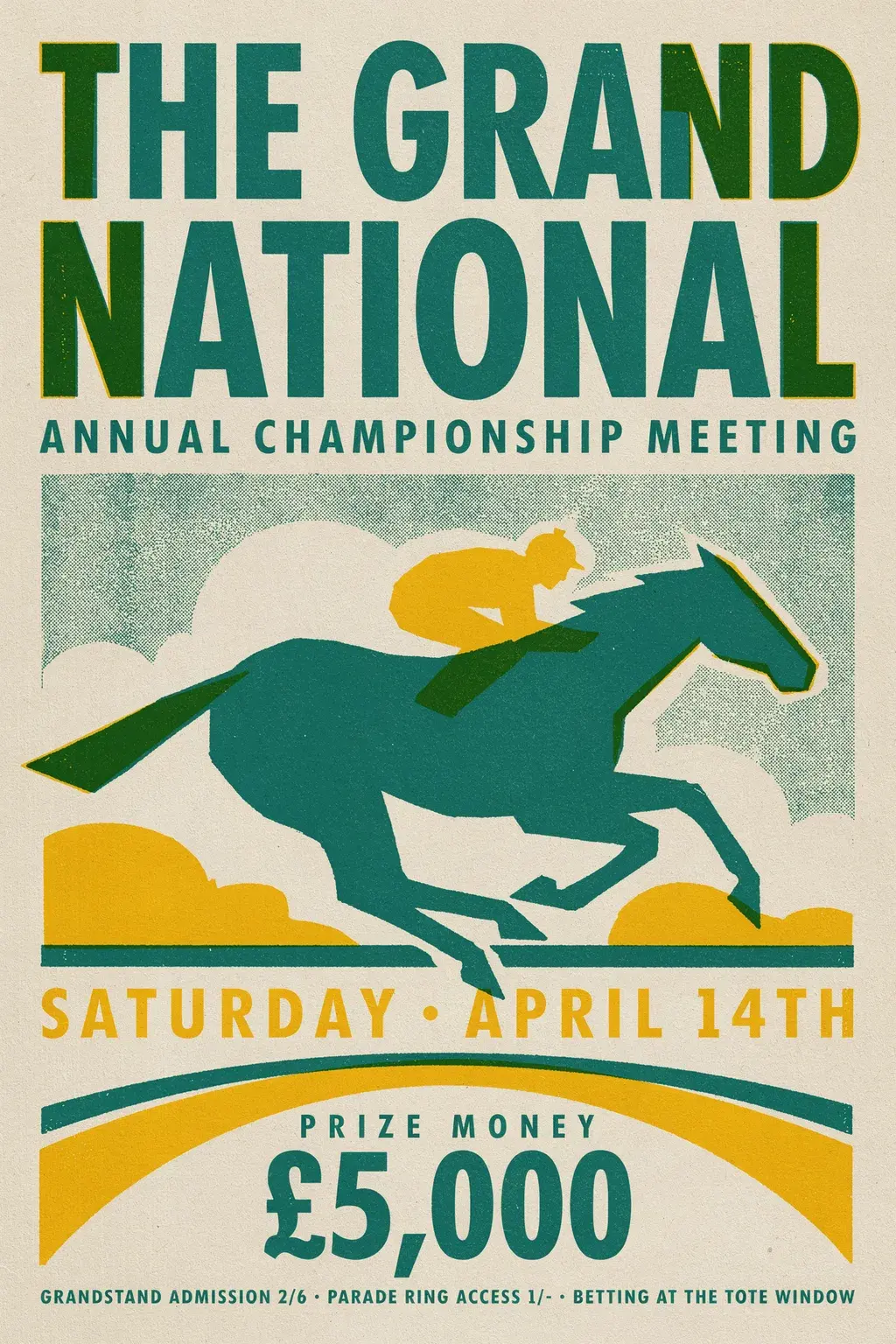
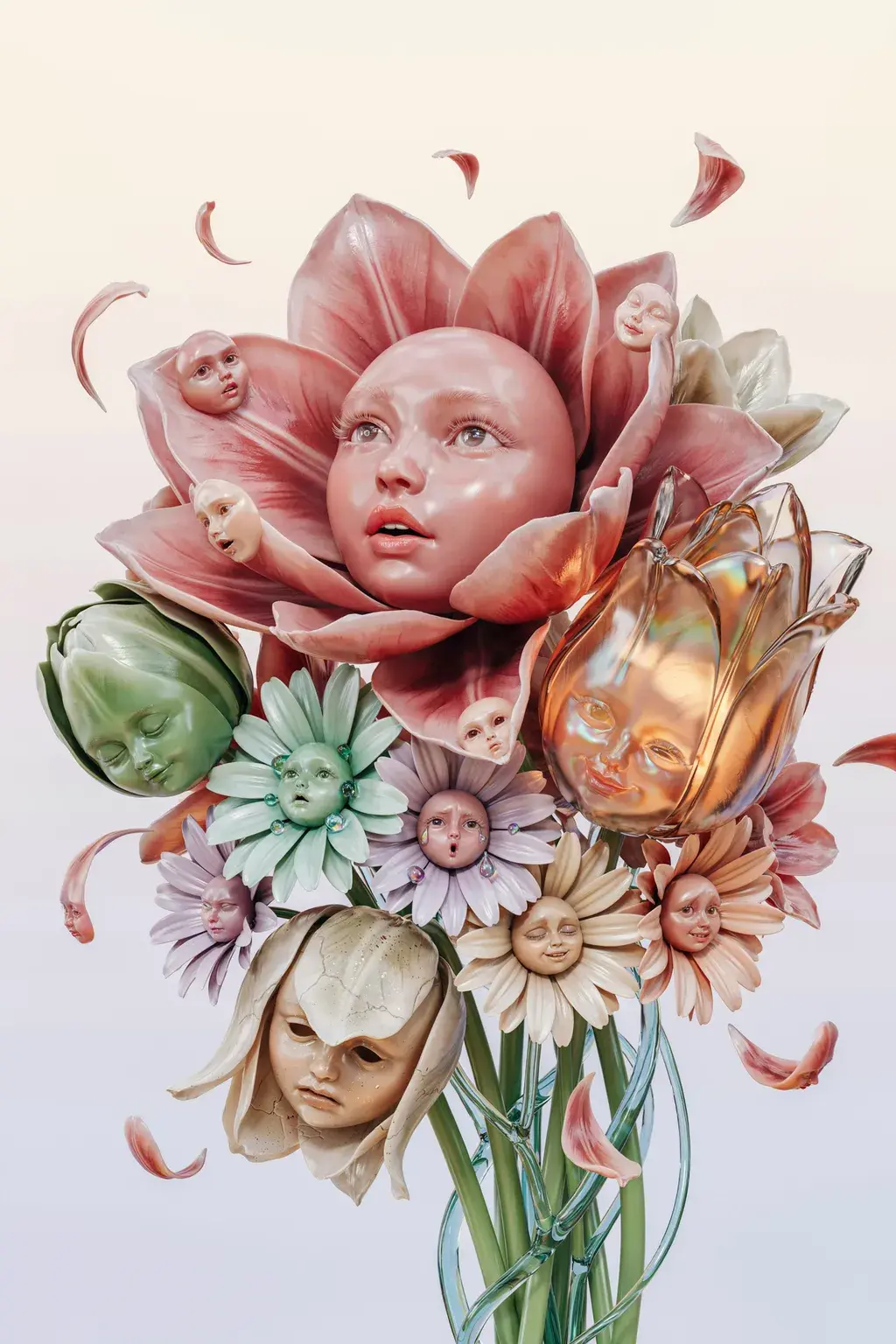
Extracted style recipe
Medium. Flat graphic illustration and bold display type. Vintage event poster, botanical illustration, and retro typographic design. No 3D, no photography, no gradients.
Palette. Three to four spot colors: forest green, butter yellow, aged cream, and one accent (coral pink or black). Consistent across all three references even though each image reads differently.
Composition. Poster hierarchy: dominant headline type at top, central illustration, supporting detail below. Structured and readable, but always with something that breaks the formality: faces in flowers, humor in the copy, a door icon as punchline.
Texture. Distressed print grain: risograph halftone, paper stock tooth, worn registration marks. The image should feel like a found object, not a screen rendering.
With that recipe, Claude generated three new posters, each mixing the event-poster structure from the racing print, the surreal face-flowers from the botanical piece, and the bold flat type energy from the typographic design. Click any image to see the prompt that produced it.
Generated using the extracted recipe
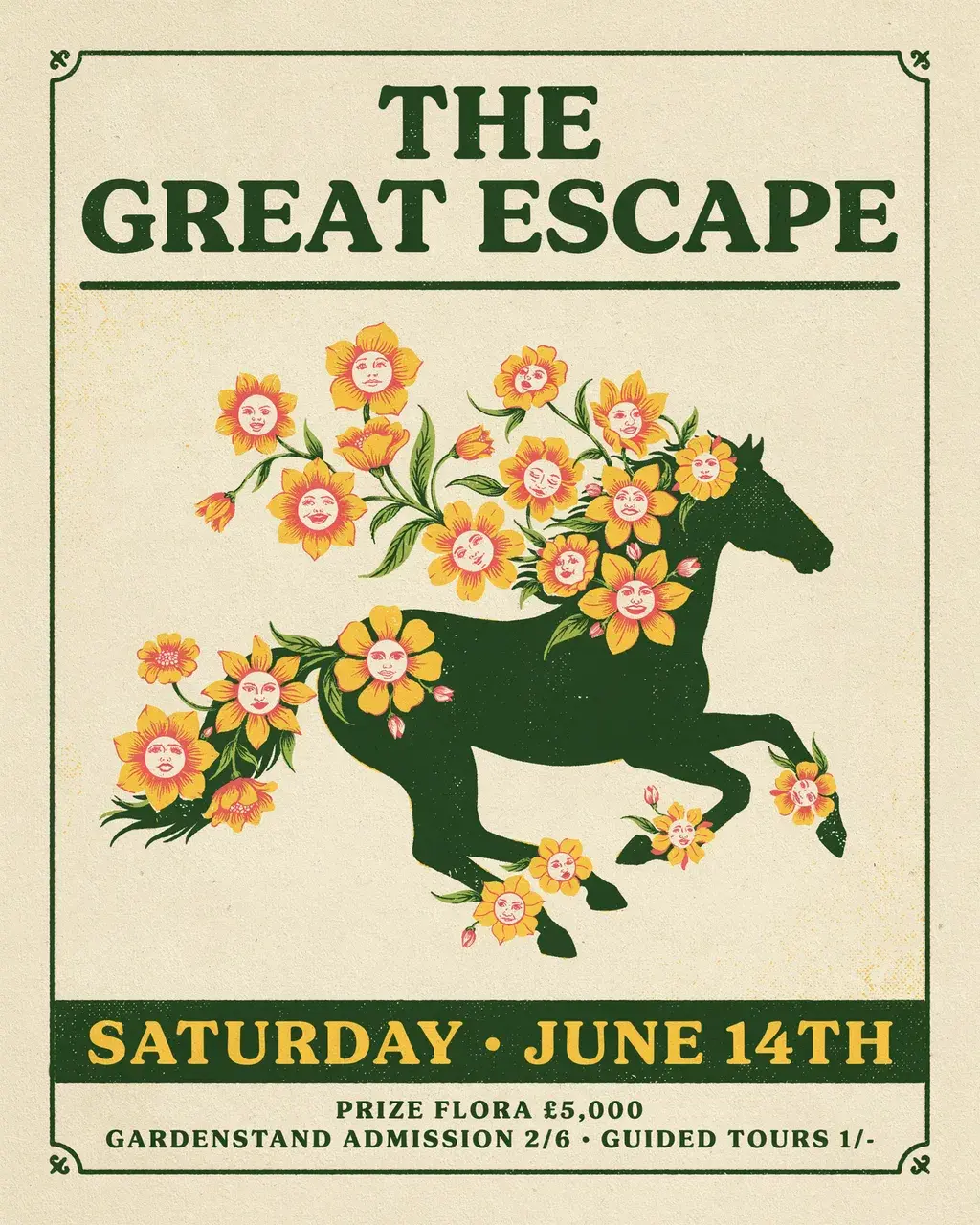
THE GREAT ESCAPE. Horse + face-flowers.
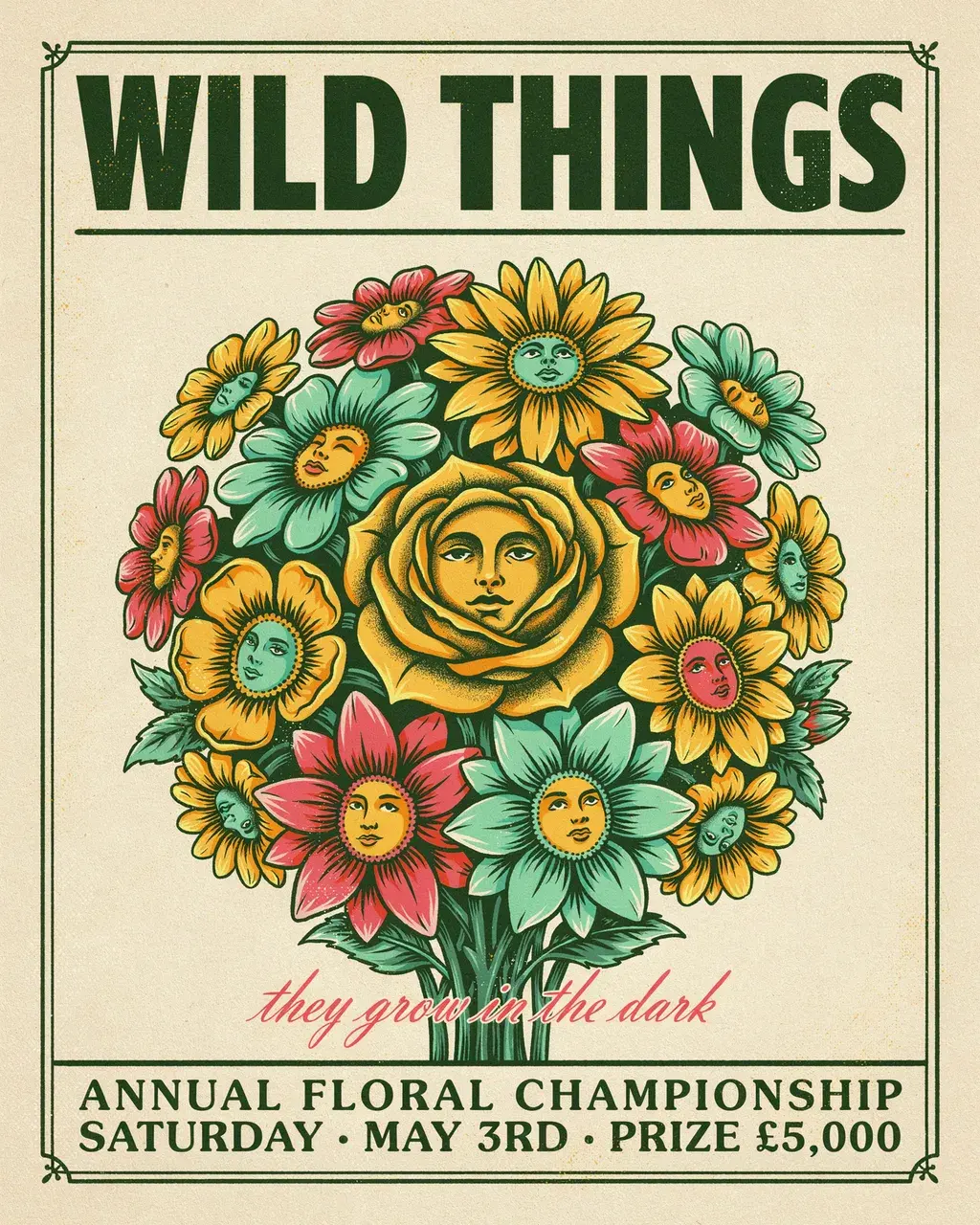
WILD THINGS. Face-flower bouquet.
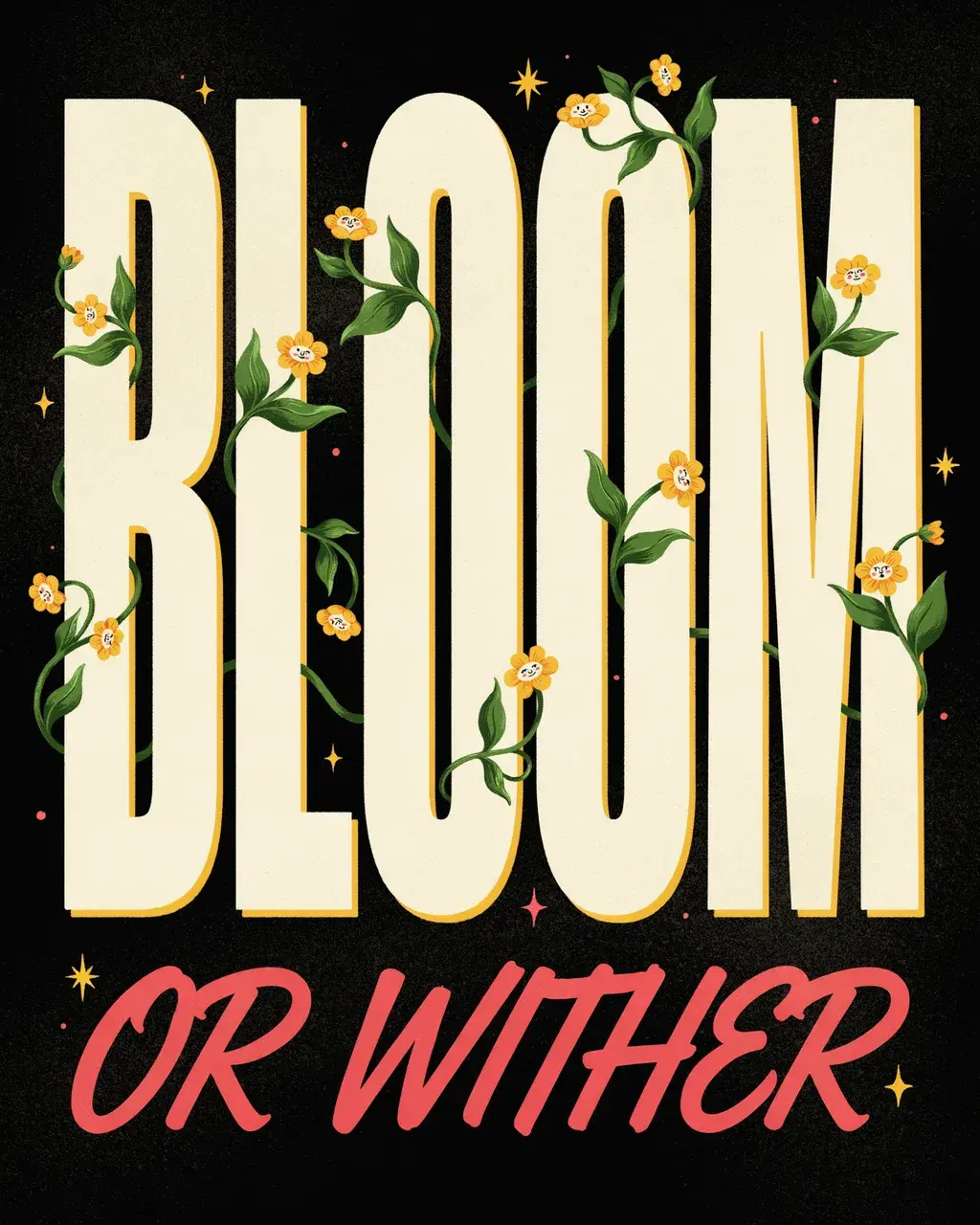
BLOOM OR WITHER. Type + face-flowers.
The direction also works in prose. Describe a style directly without reference images: "1970s Italian horror movie poster, warm earth-tone palette, bold condensed display type, heavy grain." Claude converts that description into the JSON fields that encode it and generates without a reference image.
Try it in Claude Code
Connect the Ideogram MCP, open Claude Code, and ask Claude to generate an image. It will ask what mode you want.
Gallery
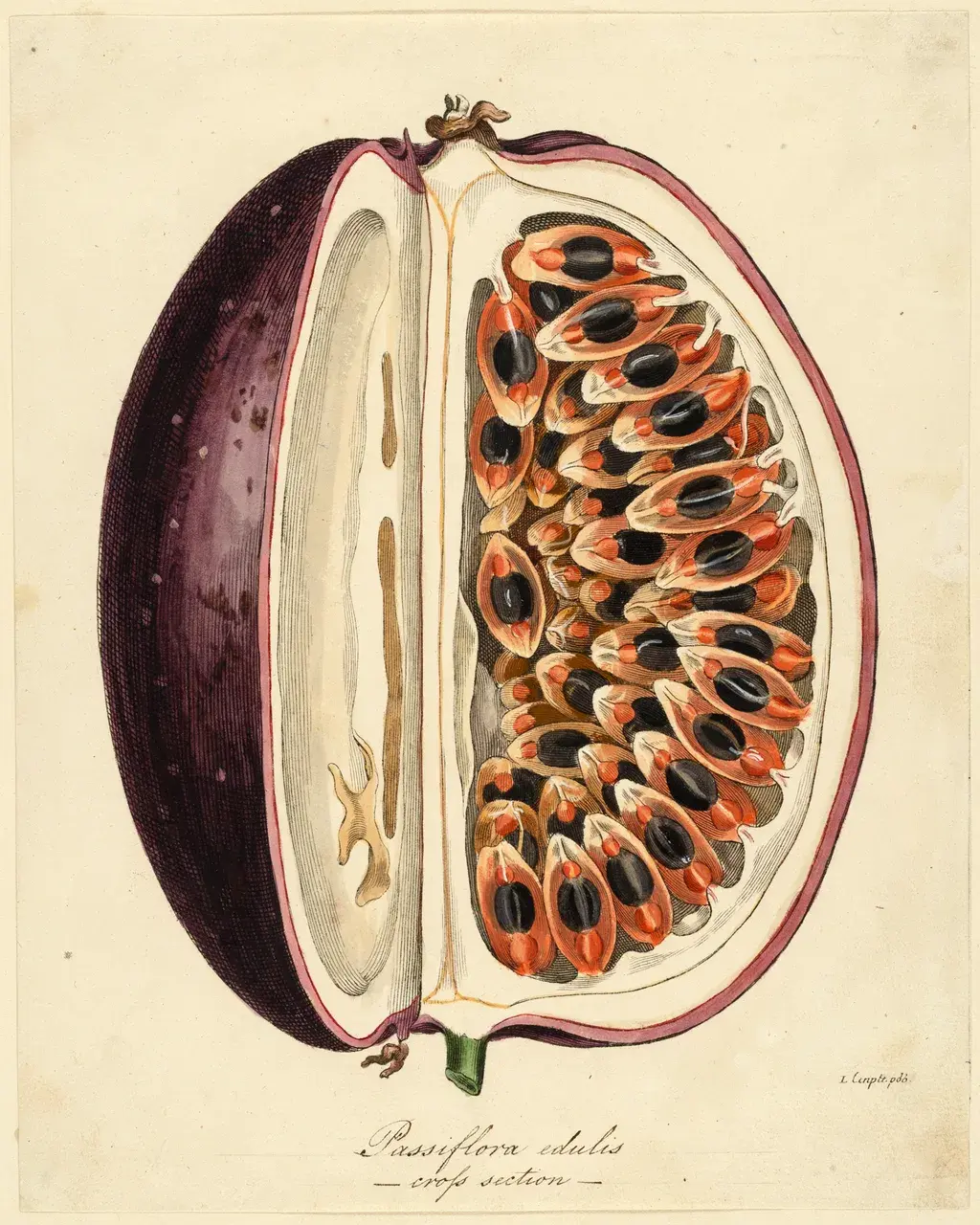
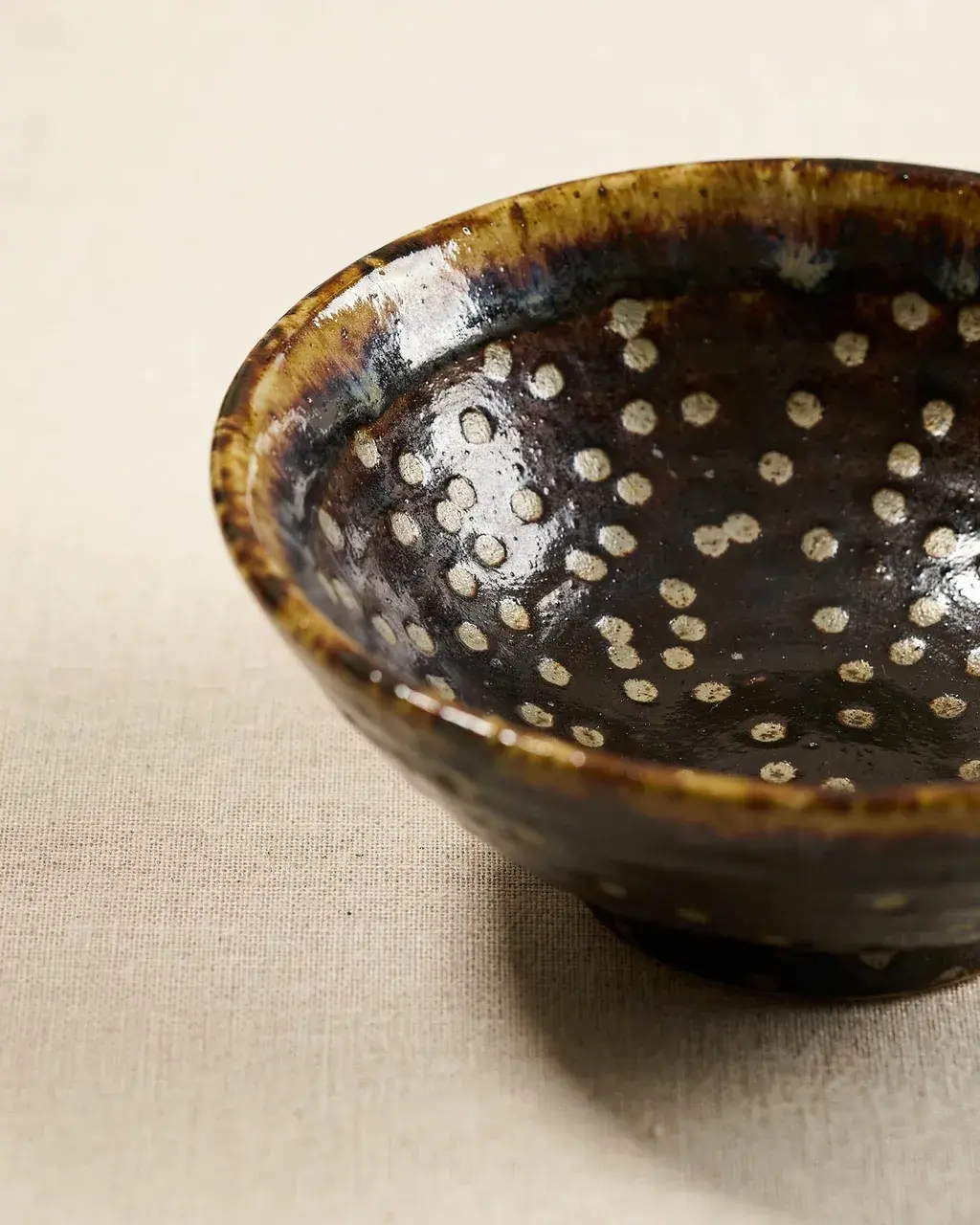
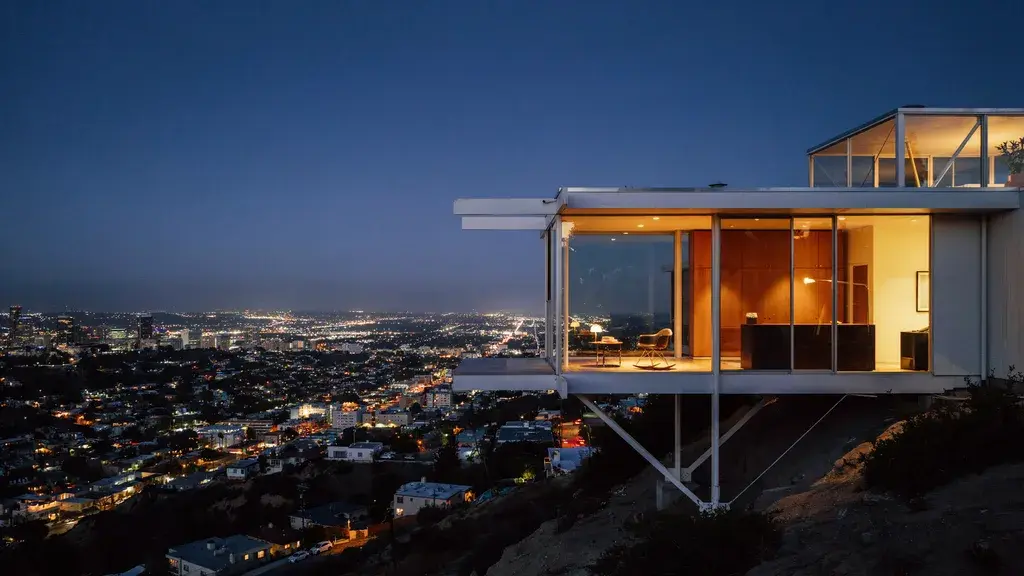
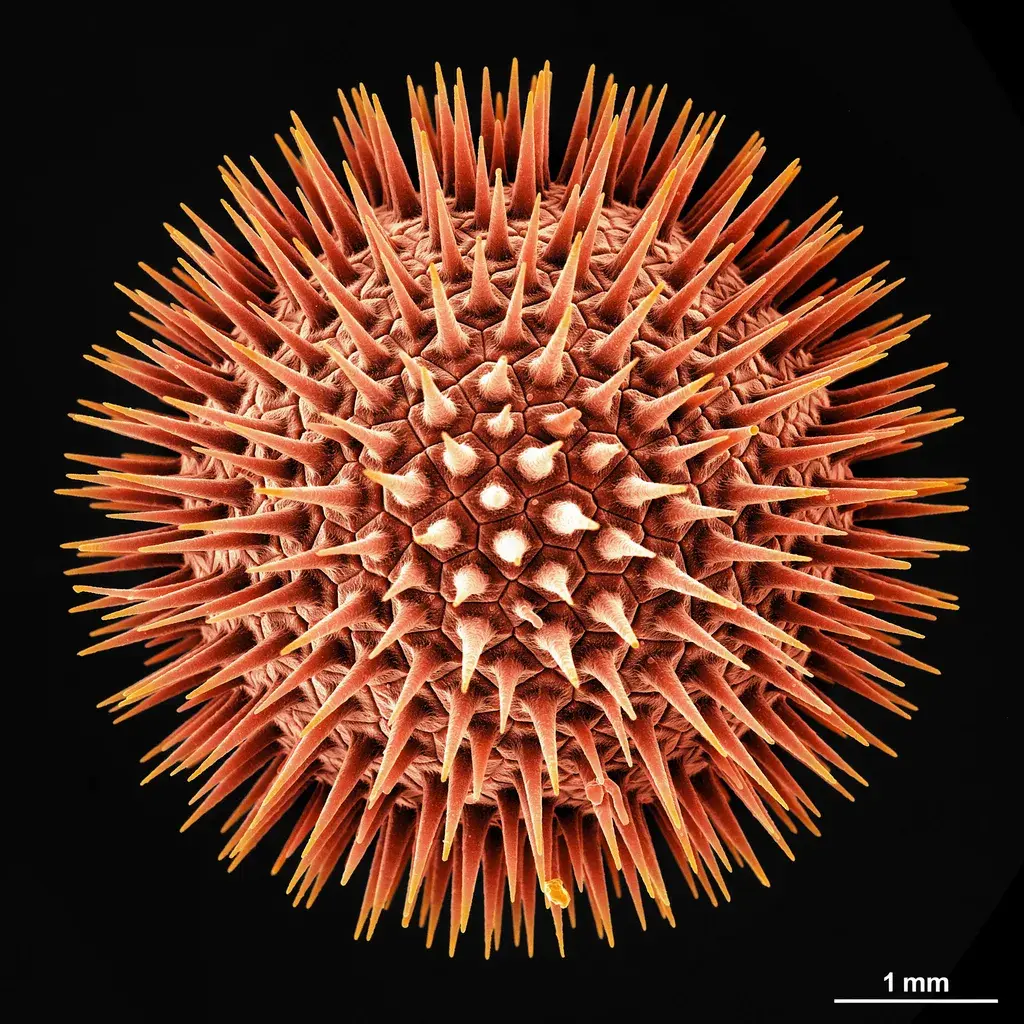
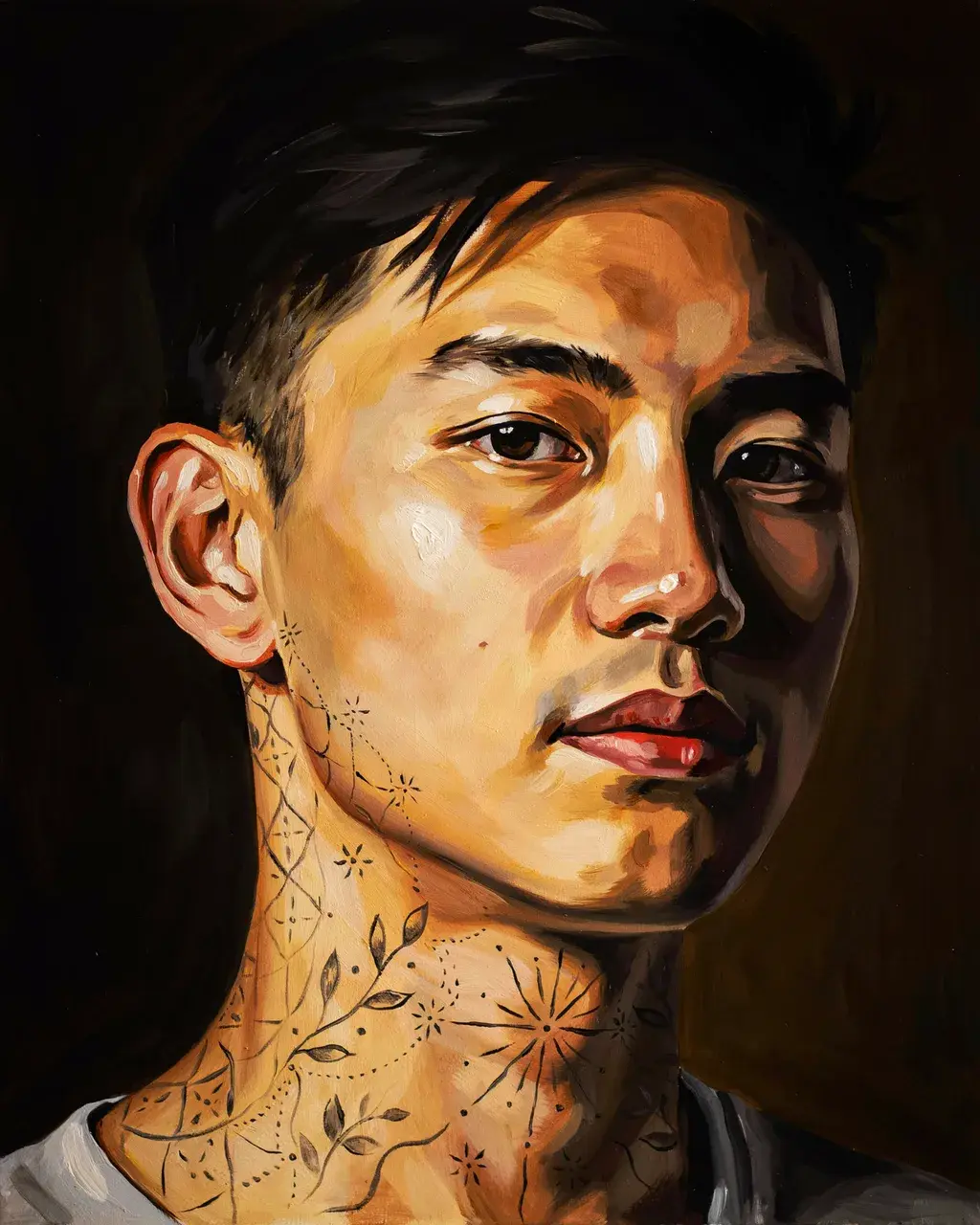
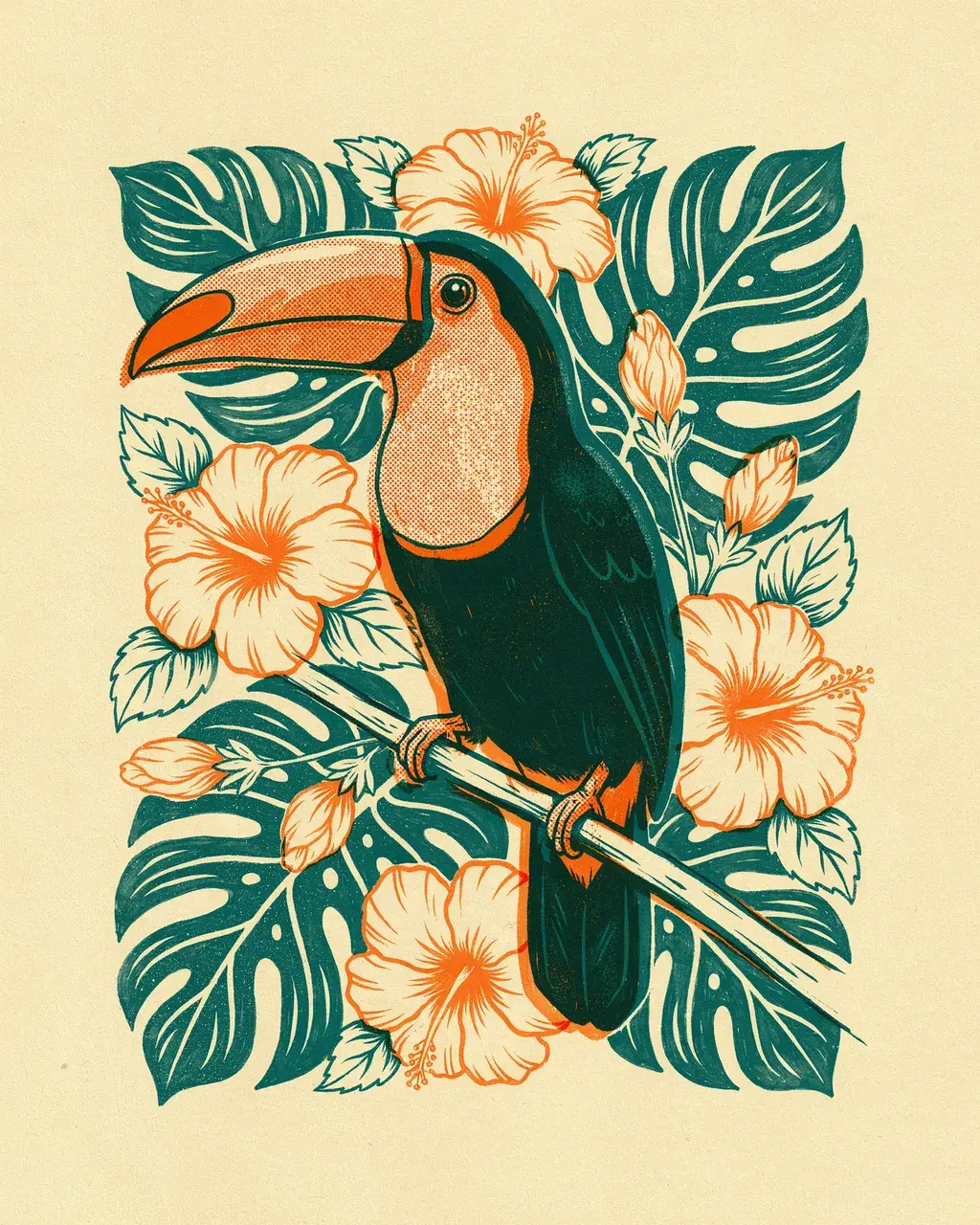
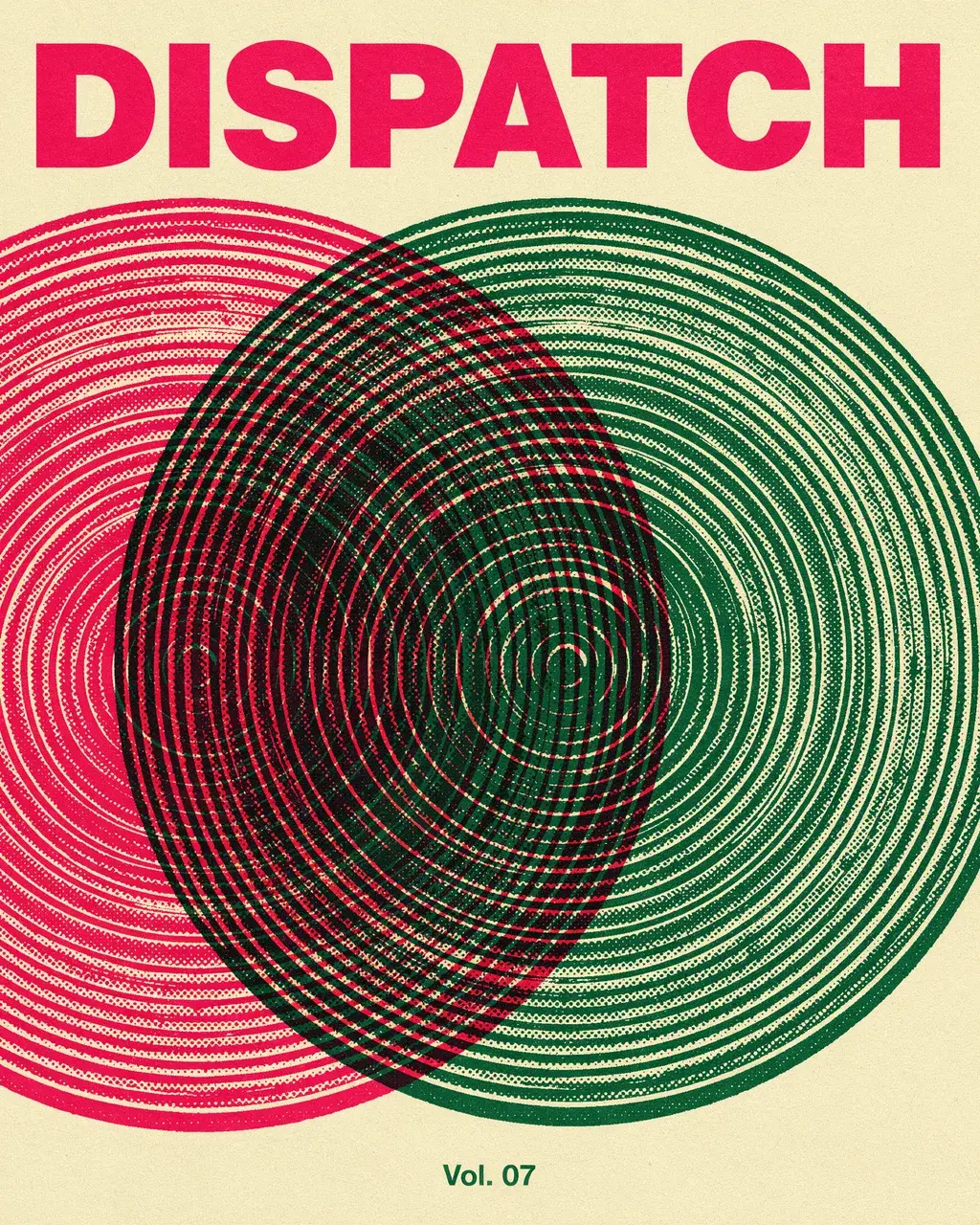
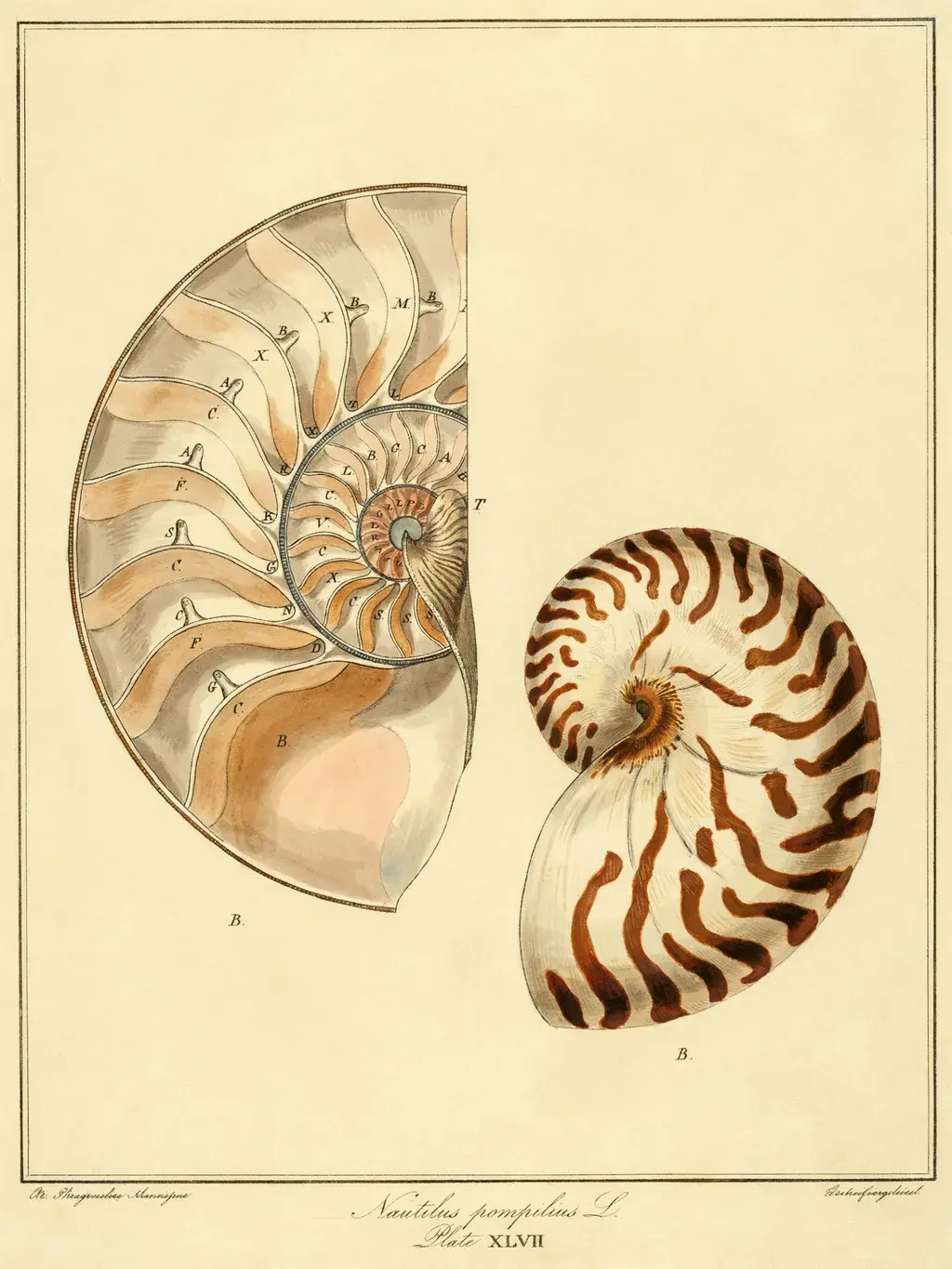
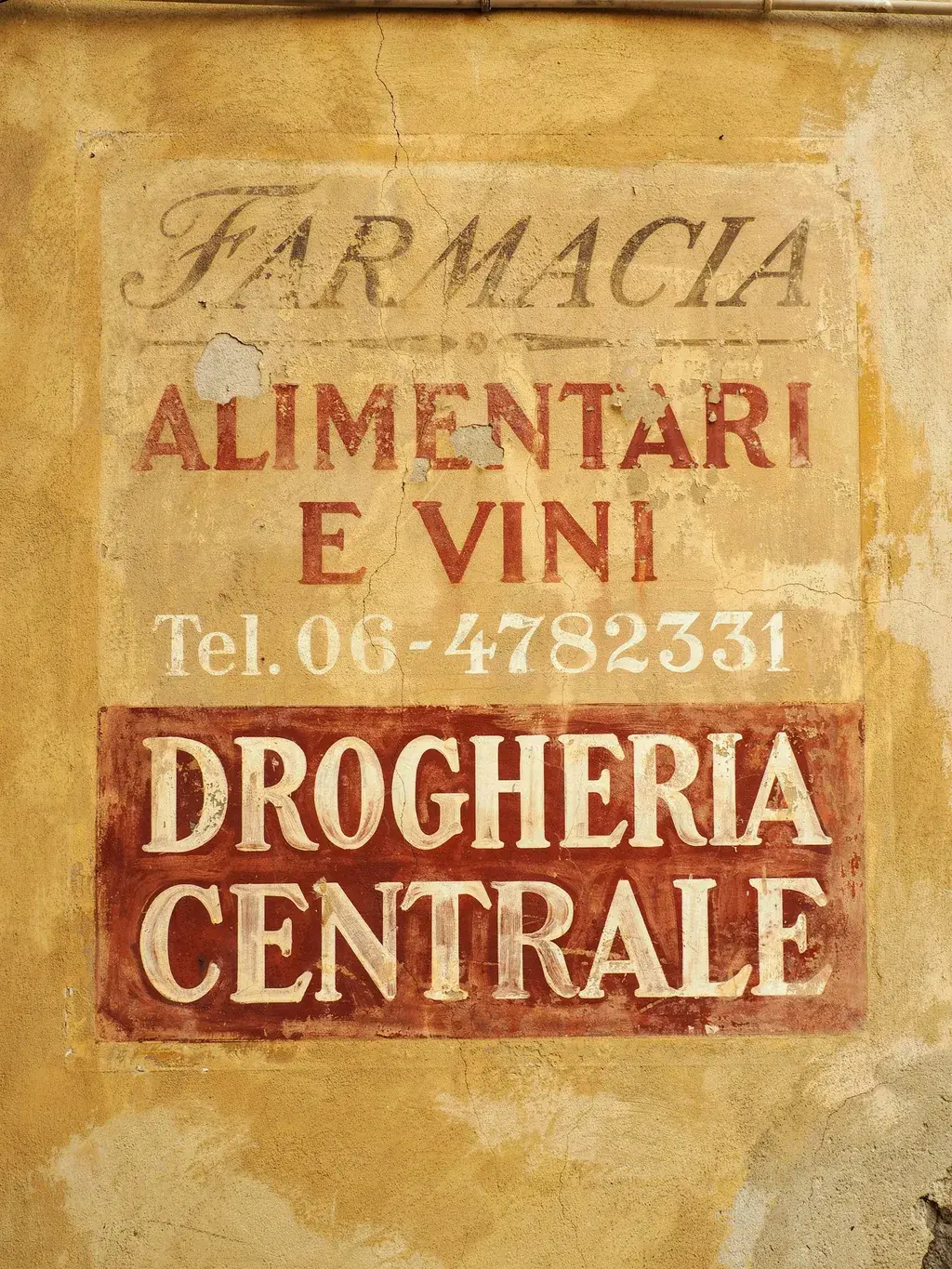
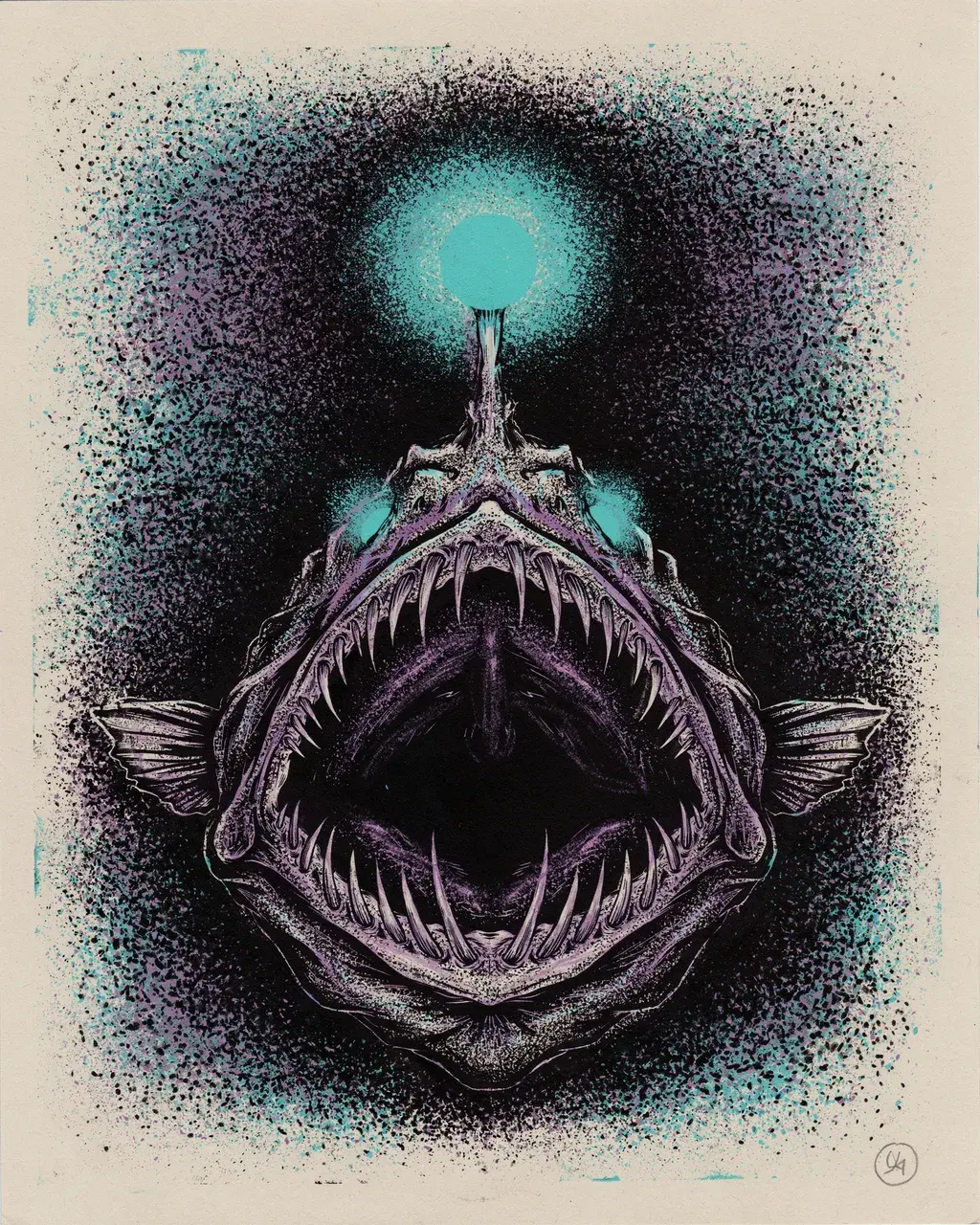
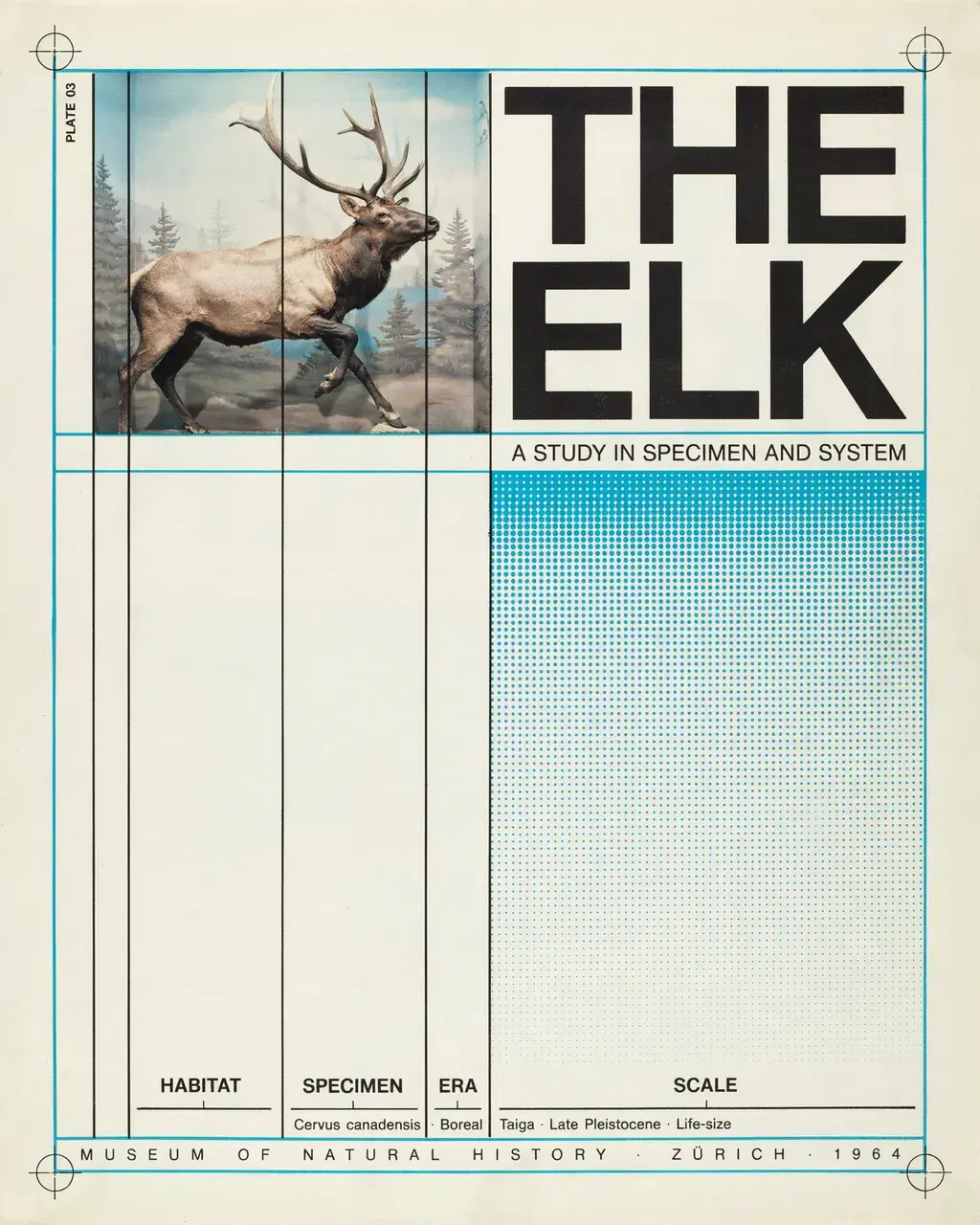
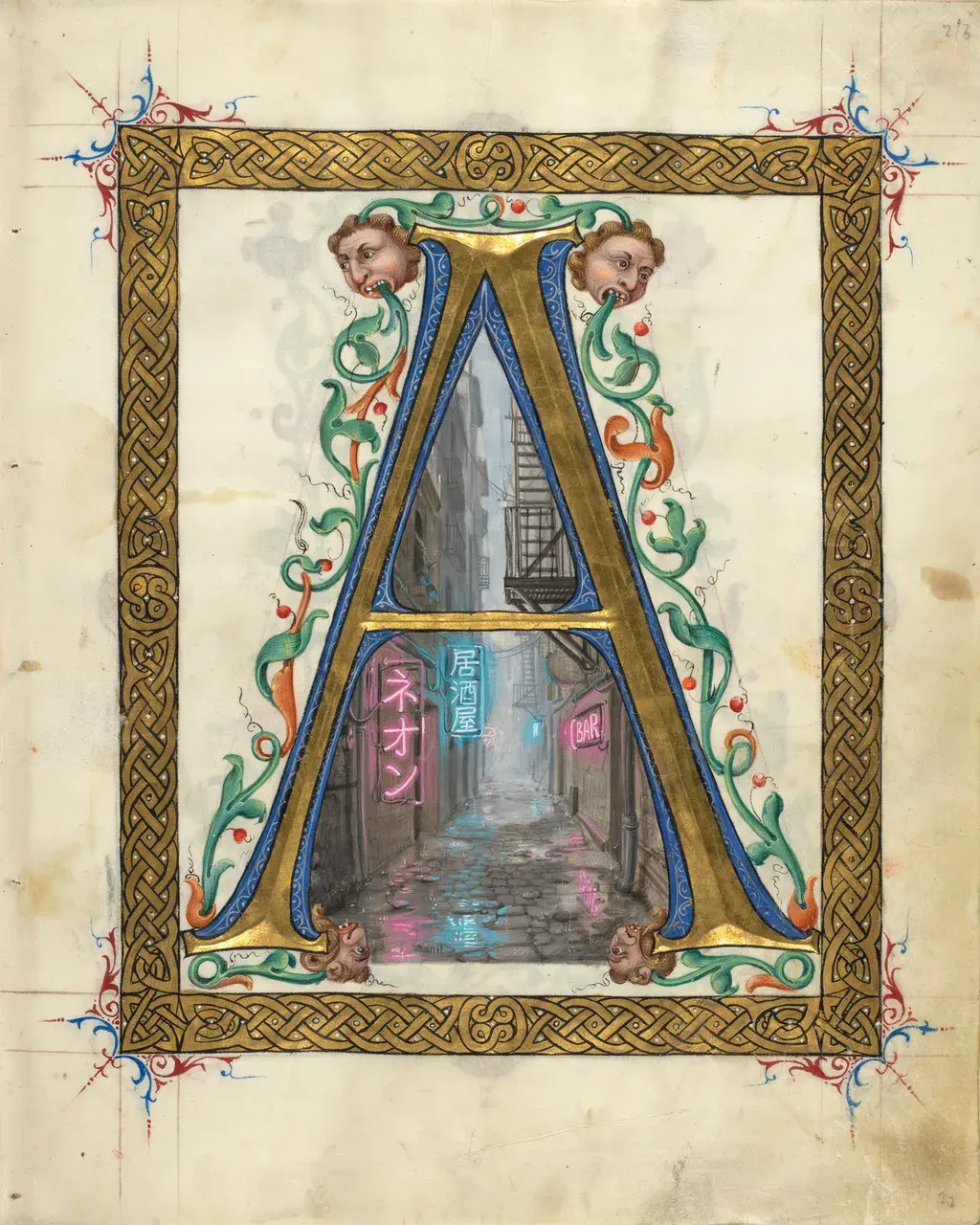
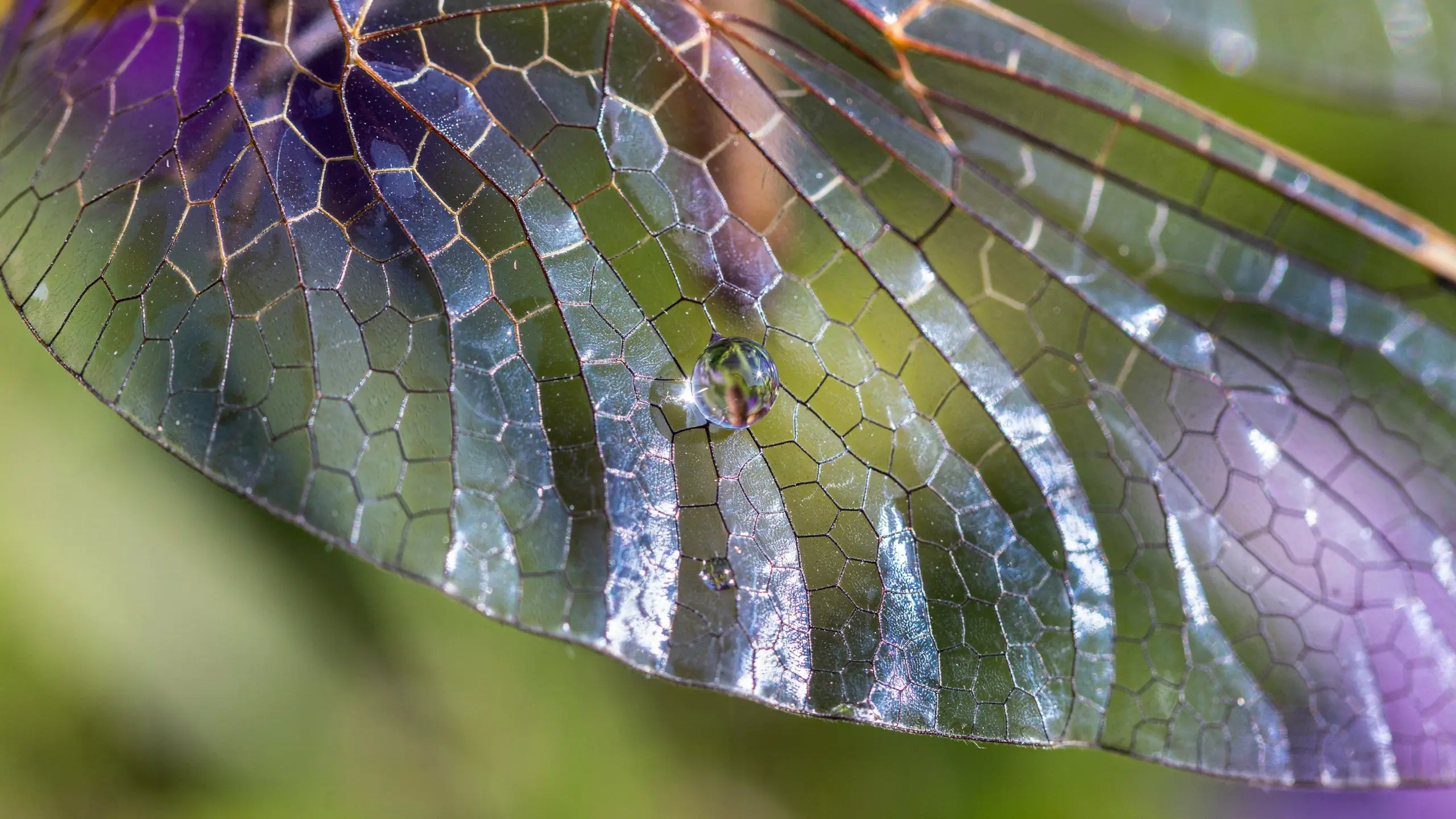
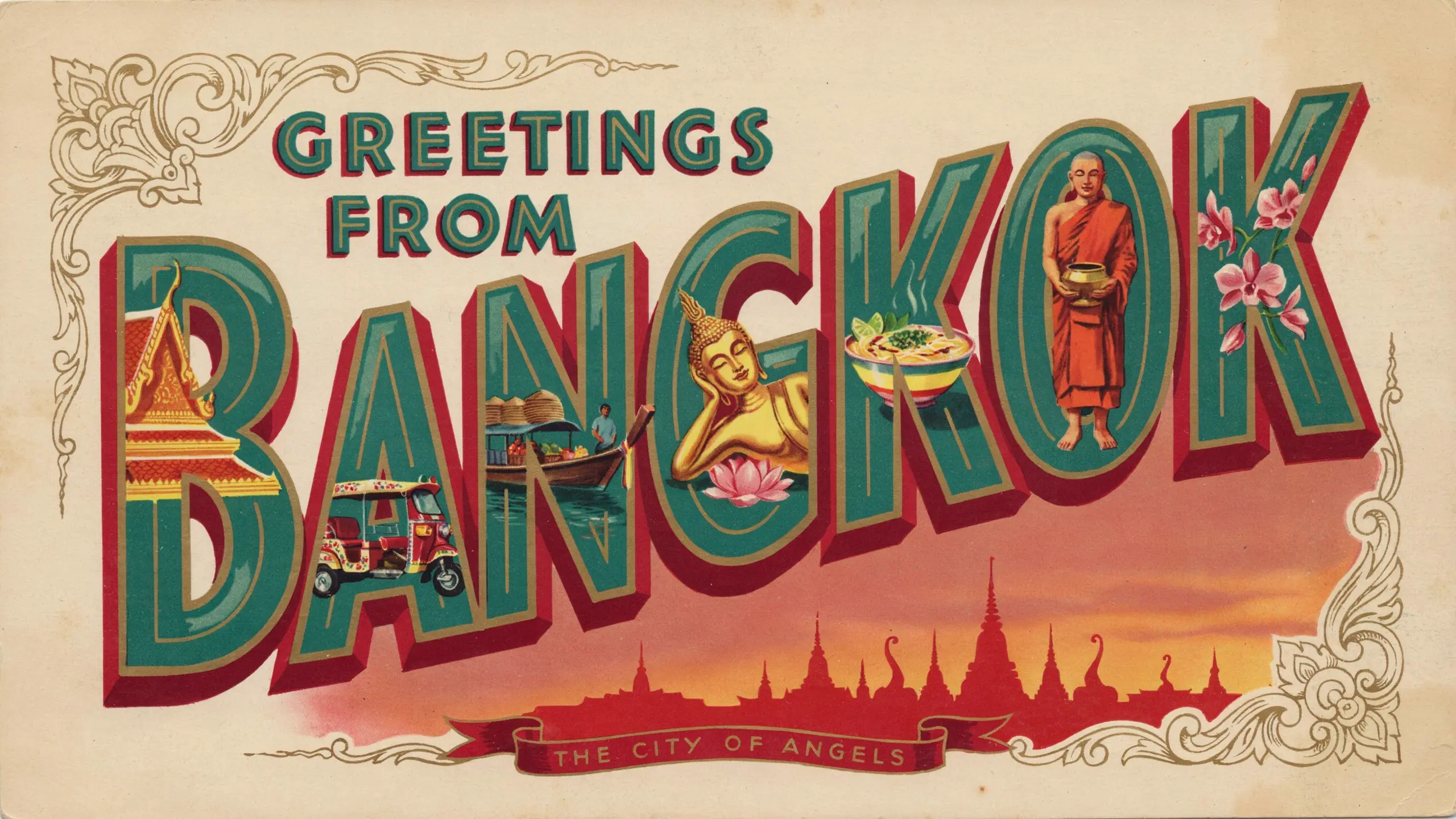
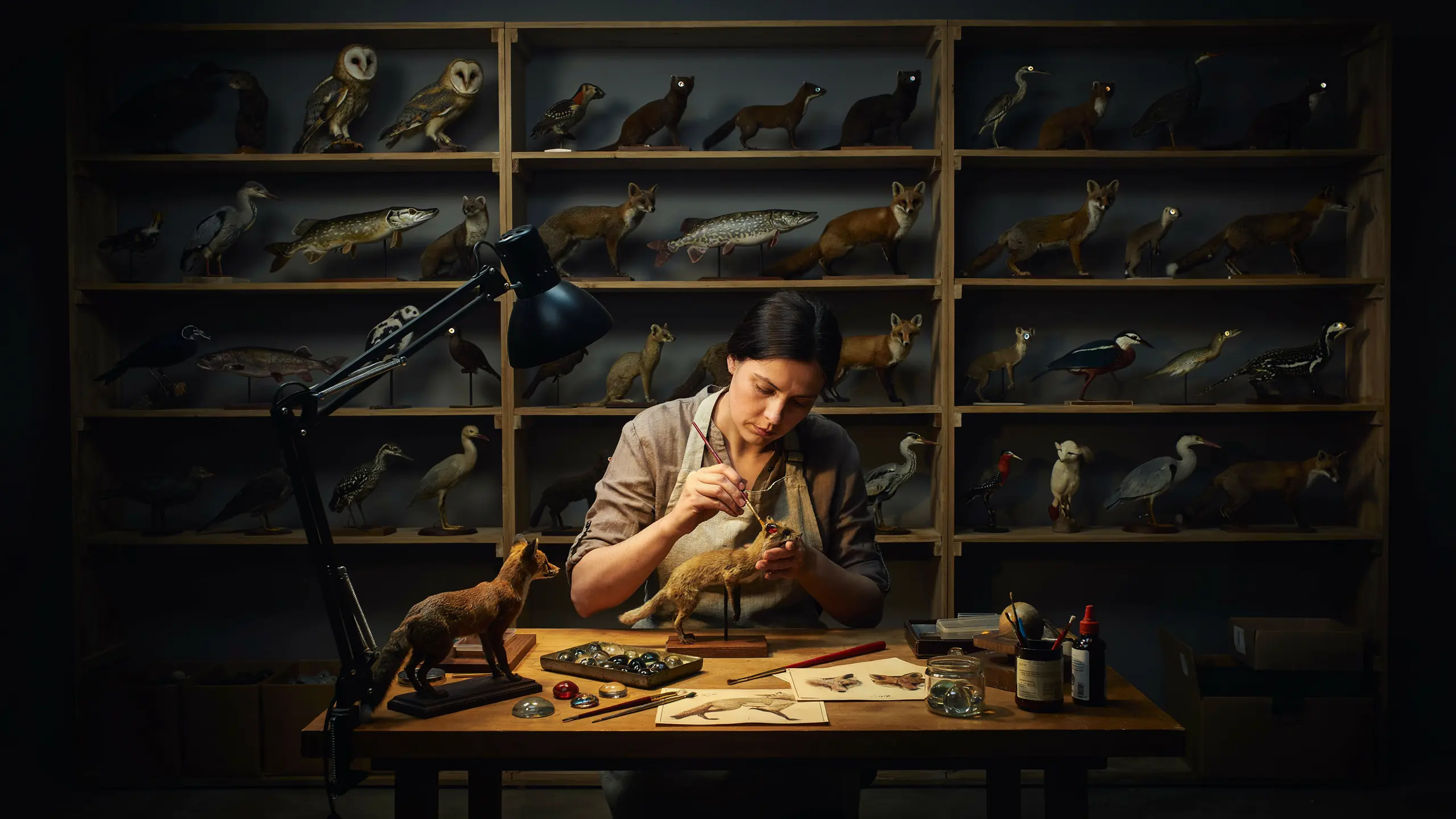
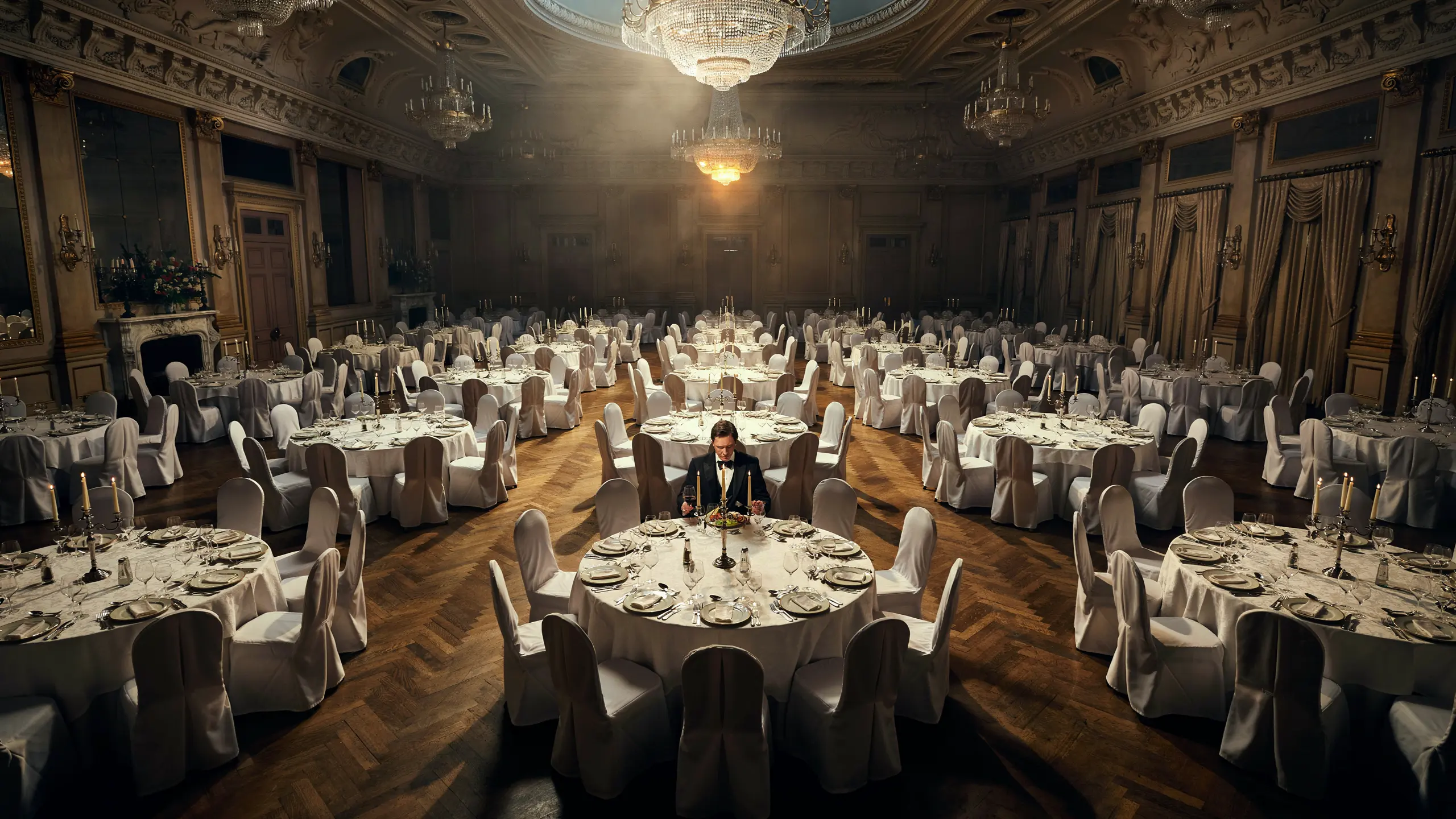
All images below were generated in a single Claude Code session using the Ideogram MCP. Click any image to see its description.